ExploreDownloads

Downloads

Plugins for the desk

Pair OBS for multistream go-live, and Stream Deck to fire Actions from a key, both free, both first-party.

OBS Studio

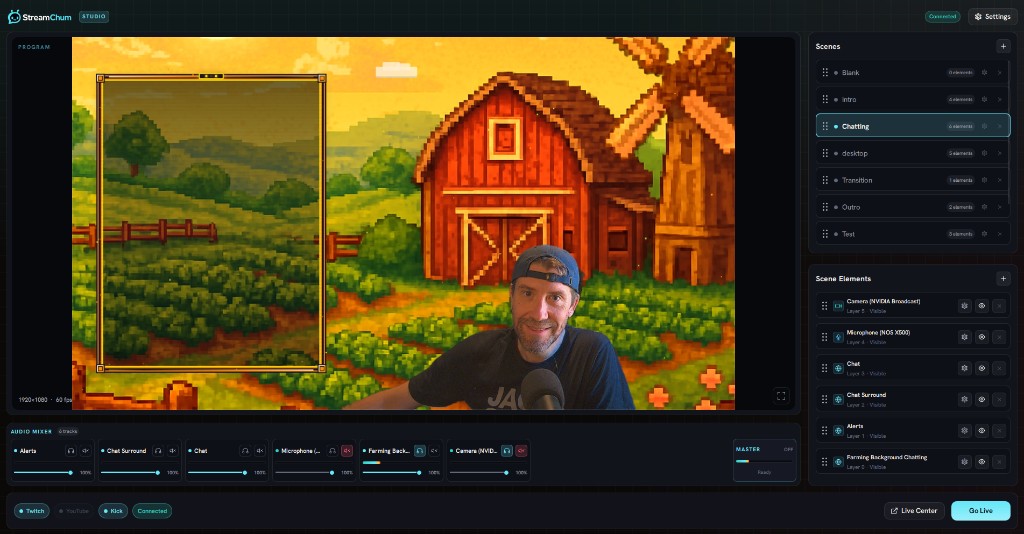
StreamChum for OBS

Windows x64 plugin for OBS 30+. Pair once, go live to Twitch, YouTube, and Kick without pasting stream keys, same bridge that drives scene control while you're live.

  • Platform · Windows x64
  • Requires · OBS 30+

Quit OBS, unzip into your OBS plugins folder (see INSTALL.txt), restart, then pair from Settings → Channels → OBS.

Elgato Stream Deck

StreamChum for Stream Deck

StreamChum plugin that runs any enabled Action from a physical key, chat, OBS, overlays, delays , with a revocable API token scoped to list and run.

  • Platform · Windows & macOS
  • Requires · Stream Deck 7.1+

Open the downloaded .streamDeckPlugin file to install, then in StreamChum create a token under Settings → Channels → Stream Deck and paste it into the plugin.

Go live everywhere. Run the desk from one place.

Connect Twitch, YouTube, and Kick, pair OBS once, wire Actions to a Stream Deck if you want, then hit go live without pasting a single stream key.