Blog

StreamChum blogs

Keeping you up to date with StreamChum, streaming, and everything around it.

Latest

Go live5 min read

A clip is not a ShortA good live moment can still make a bad short video. Give a stranger the setup, cut the waiting, and keep the part that only you could have made.Read the piece
More posts


Go live5 min read

The biggest game this month probably isn't your best streamOctober is packed with launches, updates, festivals, and esports. Pick the game that gives you a reason to return, not just the loudest release day.Read

Chat4 min read

The best live streams give chat something to doPeople stay longer when they can affect the room. Give chat a clear choice, a shared problem, or a result worth returning to see.Read

Go live4 min read

Should you install a streaming software beta before a big broadcast?OBS 33 is in beta. New browser and plugin work may be worth testing, but the hour before an important stream is the wrong test window.Read

Go live2 min read

Run the stream from your Android phoneChat, Actions, the Studio scene, a phone camera into Studio, or go live from the phone to one channel. Sign up for the Android beta in StreamChum.Read

Studio1 min read

You can record in Studio without going liveRecord in Studio writes an FLV on this computer. You do not have to go live. When you stop, the dialog shows where the file went.Read

Studio1 min read

Studio can send Twitch a phone layout nowDual format streaming is in Studio. Desktop keeps the wide picture. A phone held upright gets a layout you built for it.Read

Chat2 min read

Twitch GIFs show up in chat nowLive Center and the chat overlay play GIFs from Twitch. Creator goals include new Bits and new cheerers. Element Builder restyles without rewriting the overlay.Read

Studio1 min read

Studio can filter a whole scene nowColor, chroma, sharpen, flip, rotation, corner pin, and rounded card sit on the scene, not just one overlay.Read

Go live2 min read

StreamChum now has a free planSign up, install Studio, and go live on one platform. No card required.Read

Overlays3 min read

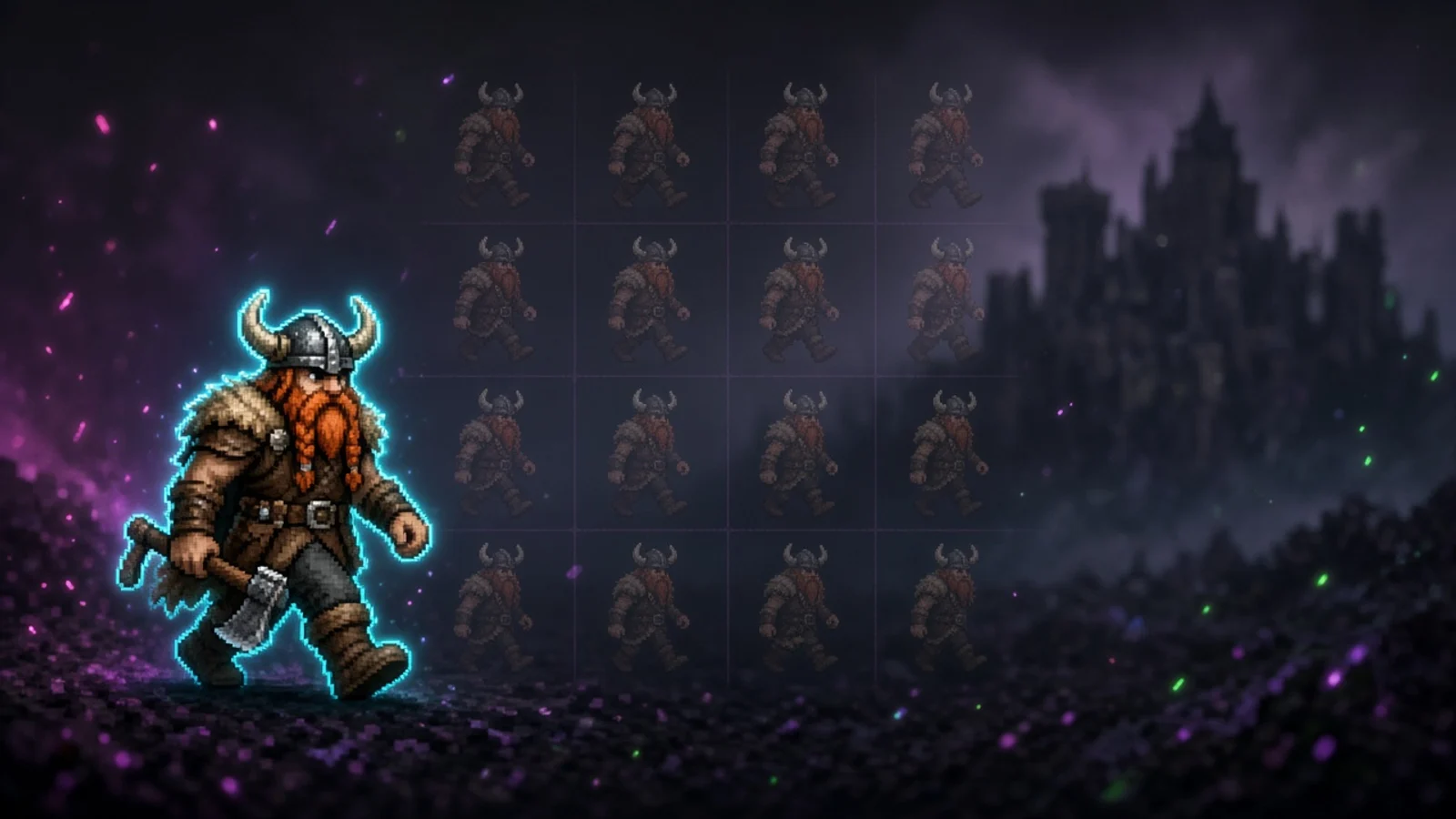
Ask for a pixel character that actually walksElement Builder can make a 2D mascot that walks, waves, or shoots. You get named sprite sheets, and the overlay plays those frames instead of sliding a still PNG.Read

Studio2 min read

Browse free themes in Studio and go liveOpen Marketplace themes in Studio, click a pack, and Intro, Playing, and matching overlays land on this profile. Pick camera and game, then go live.Read

Chat10 min read

Pick the chat commands bigger streams already useAdd a command, event, timer, or action and you get a popup of ideas. Pick one, edit the reply, save.Read

Studio3 min read

StreamChum Producer launchesA Live Center tab that remotes Studio overlays. Invite a Producer, or open it yourself from another device, even when you are not at the streaming PC.Read

Studio2 min read

Theme packs can remember your Studio scenesSave Intro, Playing, and BRB onto a themed collection. Restore them on another PC, or install a marketplace pack from Studio. OBS still gets the overlays.Read

Studio1 min read

Studio is on Mac nowStreamChum Studio is out for Apple Silicon. Same app as Windows: sign in, build a scene, go live.Read

Go live8 min read

Top 10 alternatives to RestreamRestream is still the name for sending one feed to a lot of platforms. Ten other ways to do that job, and who each one is for.Read

Overlays4 min read

Your overlays can hear chat nowDescribe a custom element that listens to live chat: hangman, floating bubbles, on-screen lines, typing games. Not a second chat box. Ask Element Builder.Read

Play3 min read

Play Tournaments is in betaCreate a knockout on your PC, share one link, and let chat register with Twitch. Same Play Host as Instant Play. Included with Play, in beta.Read

Discord1 min read

Ping Discord when friends go liveAdd Twitch channels you watch in Settings, Friends. When they go live, StreamChum can post Discord, chat, or overlays. One-click Discord announce. Twitch only for now.Read

Play2 min read

StreamChum Play is herePlay games with your viewers. You host on your PC. They jump in from a phone, a Mac, a laptop, with on-screen controls or a controller they already have.Read

Studio1 min read

Studio encodes on AMD nowWe added AMD support to StreamChum Studio on Windows. Radeon GPUs encode with AMF. Mac uses VideoToolbox. Same Go live to Twitch, YouTube, and Kick.Read

Studio1 min read

Talk, and Studio ducks the gameWhen you talk in Studio, game, music, and desktop audio get quieter. Overlay alerts can stay loud. The mixer toggle is out now.Read

Overlays1 min read

Raid alerts can play their clip nowIncoming Twitch raids can play a public clip from the raider's channel on your Dynamic alert. Name and viewer count still show if they have no clips.Read

Studio2 min read

Studio can hear you nowYour mic can caption the stream, and a word you say can fire an overlay: swear, hello, let's go.Read

Go live5 min read

Should you stream GTA 6 when it launches?Launch week is a window, not a discovery plan. GTA 6 is console-only on day one, the directory will be packed, and YouTube VODs last longer than Twitch browse. Who should go live, and who should keep their Tuesday game.Read

Go live9 min read

Common mistakes new streamers makeA long list of traps: waiting for the directory, sitting silent, Spotify on the VOD, 1080p soup, shopping first, copying a big streamer, grinding every day. What to stop, and what to do instead.Read

Go live6 min read

StreamChum vs Meld StudioPeople put these next to each other because both are desktops that aren't OBS. Meld is a free encoder. StreamChum is Live Center plus Studio. When they stack up, and when both make sense.Read

Go live6 min read

StreamChum vs StreamlabsStreamlabs is the familiar encoder, overlay, and tipping kit. StreamChum is Live Center plus Studio. How they stack up, and when to use both.Read

Studio3 min read

Give each Studio profile its own lookCreate a profile, lock a theme from a name, a vibe, or a picture, and new scenes pick that look up. Ranked and Just Chatting stop sharing leftover overlays.Read

Go live6 min read

The best games to stream if you want more viewersThe biggest games are usually the worst places to grow. Pick a title you can appear in, play for weeks, and talk over, then run it on Twitch, YouTube, and Kick together.Read

Go live2 min read

Five things I wish I'd known when I first started streamingA schedule beats a perfect overlay. Audio beats a webcam. One chat feed, one look, and clips you can send. The five I would tell myself when I started.Read

Go live5 min read

From first stream to first sponsorshipA practical path from a brand-new streamer to a first small brand deal: a schedule, a stream that looks finished, people who come back, and a one-pager with real numbers.Read

Overlays7 min read

Top 10 alternatives to StreamElementsStreamElements is still the default overlay stack. Ten other ways to get alerts and widgets on stream, and who each one is for.Read

Studio3 min read

VTubing: where it came from, and how to run it in StudioA short history of virtual YouTubers, then how to get a Live2D or PNG avatar onto a StreamChum Studio scene and go live to Twitch, YouTube, and Kick.Read

Studio3 min read

Tell Studio what the scene should look likeDescribe gameplay, a starting-soon screen, or a BRB in StreamChum Studio. It lays out capture, camera, and overlays.Read

Studio6 min read

Top 10 alternatives to OBS for streamersOBS is still the default, and it's a lot. Ten apps people actually switch to, and what each one is for.Read

Studio1 min read

StreamChum Studio is hereThe go-live app for StreamChum. Same login as Live Center. Twitch, YouTube, and Kick in one click.Read

Revolutionise your stream.

Cutting-edge new streaming software. Orchestrate across all channels, including Discord. Create custom looks in seconds, and much, much more.