StreamChum vs Streamcord
Streamcord is a focused Discord bot for stream alerts and live roles. StreamChum runs the stream and treats Discord as one part of it. Here is which one fits, and when to use both.
Takeaway
Streamcord is the better fit if your whole problem is keeping a Discord server updated when creators go live. StreamChum is the better fit if Discord needs to sit beside the rest of your stream: Studio, unified chat, moderation, overlays, events, analytics, and Play. They overlap on notifications, but they are not substitutes for the same job. You can also run both, as long as only one of them owns each announcement.
The short version
Fair warning: this is the StreamChum blog. Streamcord is a mature Discord bot with a focused feature set and a much lower paid price than a full streaming product. If you want live roles for members of a creator community, or simple alerts for channels you follow, Streamcord is probably the more direct answer.
| Job | StreamChum | Streamcord |
|---|---|---|
| Go-live notifications | Your own streams, plus up to 25 watched Twitch channels | Twitch, YouTube, and Kick channel notifications |
| Discord live roles | Not in this version | Yes, with filters and up to five configurations on Pro |
| Schedule in Discord | /schedule answers from your StreamChum setup | Twitch schedules can sync into Discord events on Pro |
| Other stream events | Subs, raids, follows, Ko-fi, watched channels, and custom Actions | Focused on stream and video notifications |
| Run the stream | Studio, Live Center, overlays, moderation, analytics, and Play | Not that product |
| Discord chat access | Posts and answers commands, but does not read Discord chat | Bot interactions, roles, and notifications inside Discord |
| Price shape | Free for one live platform, then Plus or Pro | Free bot, with Pro at $2.99/month |
What Streamcord is good at
Streamcord starts with the Discord server. Add the bot, choose creators, and it posts when they go live or publish. Its current public site lists Twitch, YouTube, and Kick notifications. Twitch notifications get the deepest controls, including custom embeds, game and title filters, webhooks, auto crosspost, and cleanup after a stream ends. YouTube can separate livestreams, Shorts, and regular videos.
Live Role is the feature StreamChum does not try to match. Streamcord can add a Discord role when an eligible server member shows the purple streaming status, then remove it when they stop. That is useful for a creator collective, an esports server, or any community where several members deserve promotion. Free gets one Live Role configuration. Pro gets up to five, with more filtering.
Streamcord Pro is $2.99/month according to its current documentation. Pro adds features such as Twitch schedule sync into Discord events, notification filters, custom webhooks, cleanup options, more Live Role configurations, and Manager Roles. If those are the exact features you need, it is hard to argue with that price.
What StreamChum does differently
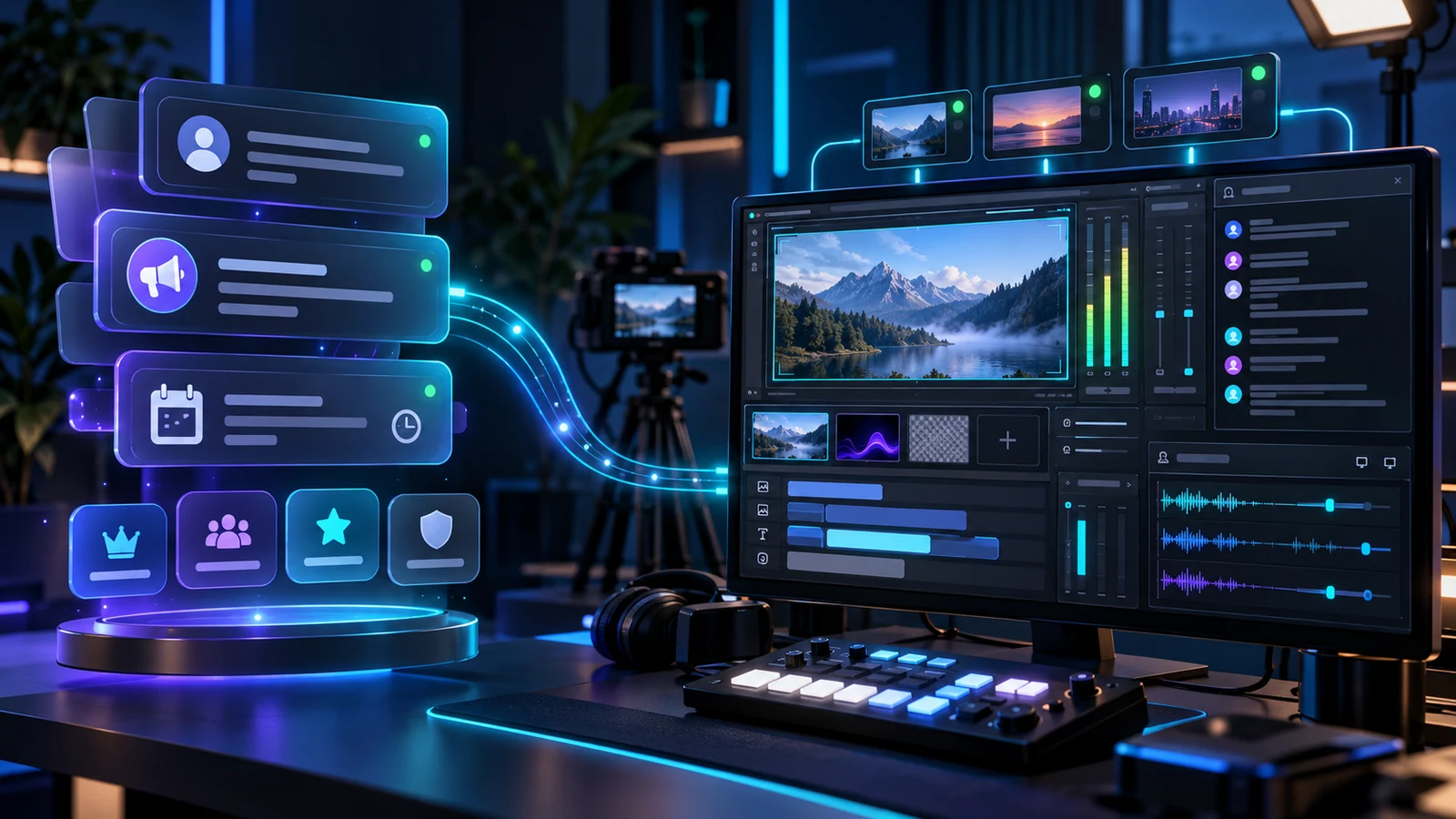
StreamChum starts with the stream. Studio captures, composes, records, and goes live. Live Center merges Twitch, YouTube, and Kick chat, with delete, timeout, and ban kept on the platform where the message came from. Elements put chat, alerts, goals, and custom widgets on the picture. Discord is connected to that same event system.
That changes what a Discord post can mean. A basic go-live message is easy. You can also post when a sub, raid, follow, or Ko-fi tip lands. A multi-step Action can change a Studio scene, show an overlay, wait, then post to Discord. Members can ask /live, /schedule, /recent, or /recap. A viewer can use /link to connect their verified Twitch identity so StreamChum Memory recognises the same person across Twitch chat and Discord commands.
StreamChum can also watch up to 25 Twitch channels you do not own. When one goes live, that event can post to Discord, chat, or an overlay. That is useful for a small friend group or raid circle. It is narrower than Streamcord's notification product because the StreamChum watch list is Twitch-only today. The setup is covered in Ping Discord when friends go live.
Where StreamChum is a weaker fit
If you run a Discord server for dozens of creators, Streamcord is more natural. StreamChum does not assign a role to every member who starts streaming. Its Friends list stops at 25 Twitch channels, and it does not watch YouTube or Kick channels you do not own. StreamChum's Discord integration is outbound only: it posts and answers its slash commands, but it never reads the conversation in your Discord channels.
Streamcord also wins if cost is the only comparison and you only need a bot. Its free service covers the basic job, and Pro is $2.99/month. StreamChum Free includes Discord alongside a one-platform stream setup, but Plus and Pro cost more because you are paying for the rest of the streaming product, not a larger Discord bot.
Where Streamcord is a weaker fit
Streamcord cannot run your broadcast, merge the three live chats, moderate a YouTube line from the same feed as Twitch, build an overlay, record the program, or give a producer control of the canvas. It is not supposed to. A polished go-live ping can bring people into the stream, but it does not help you handle the raid after they arrive.
Its platform support is also uneven by design. The Streamcord docs give Twitch notifications the richest controls. Game and title filters, custom webhooks, stream cleanup, and schedule sync are Twitch-only. YouTube and Kick can still notify, but they do not have every Twitch option. Check the relevant platform page before assuming one alert setup behaves identically everywhere.
You can use both
A good combined setup is Streamcord for community-wide discovery and StreamChum for your own production. Let Streamcord manage Live Role and notifications for other creators in the server. Let StreamChum post your own go-live, stream events, and recap because those come from the same system running the broadcast.
- Turn off duplicate go-live posts. Pick one bot for your own announcement channel.
- Keep Streamcord Live Role if members of the server also stream. StreamChum does not replace it.
- Use StreamChum for subs, raids, Ko-fi, recaps, and Actions tied to Studio or overlays.
- Name channels by purpose, such as #creator-live for Streamcord and #your-stream for StreamChum.
Which one should you pick?
Pick Streamcord if you searched for a Discord bot. It is the focused tool, especially for Live Role, a server full of creators, or cross-platform notifications for channels you follow. Pick StreamChum if you searched for streaming software and want Discord to be part of the same place that runs your chat, moderation, overlays, go-live, and post-stream history.
If both descriptions sound right, install both and split the jobs. The mistake is not having two bots. The mistake is making your members read the same go-live message twice.
Streamcord features and its $2.99/month Pro price are from its public site and documentation checked on 9 October 2026. StreamChum Free includes Discord on one live platform with no card. Plus and Pro add the three-platform desk, Play, staff seats, longer history, captions, and creative AI credits. Check both pricing pages before paying.
Add StreamChum from the Discord App Directory, then connect the same server under Settings, Channels. See the StreamChum Discord page or compare StreamChum plans. Streamcord is at streamcord.io.
Keep reading