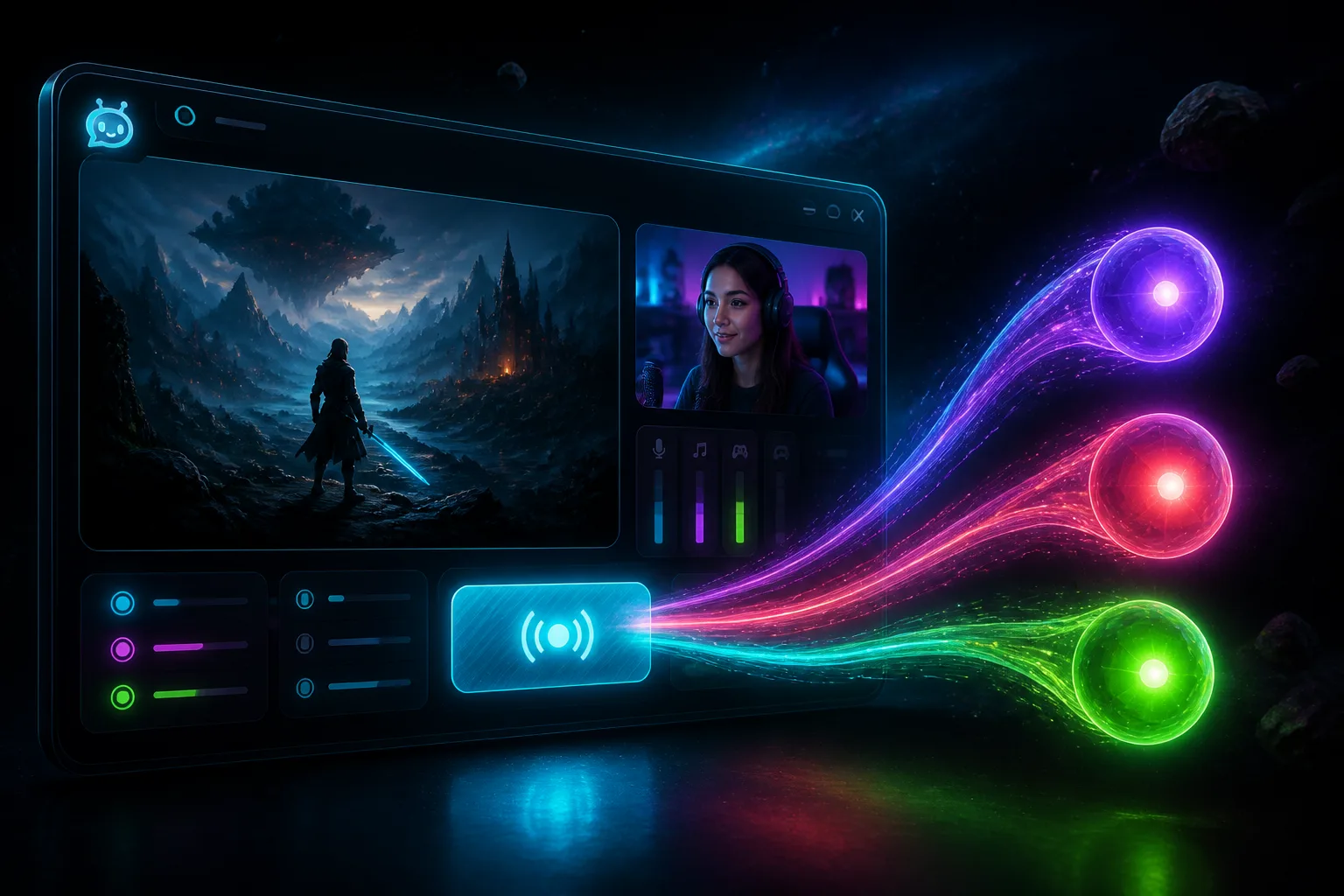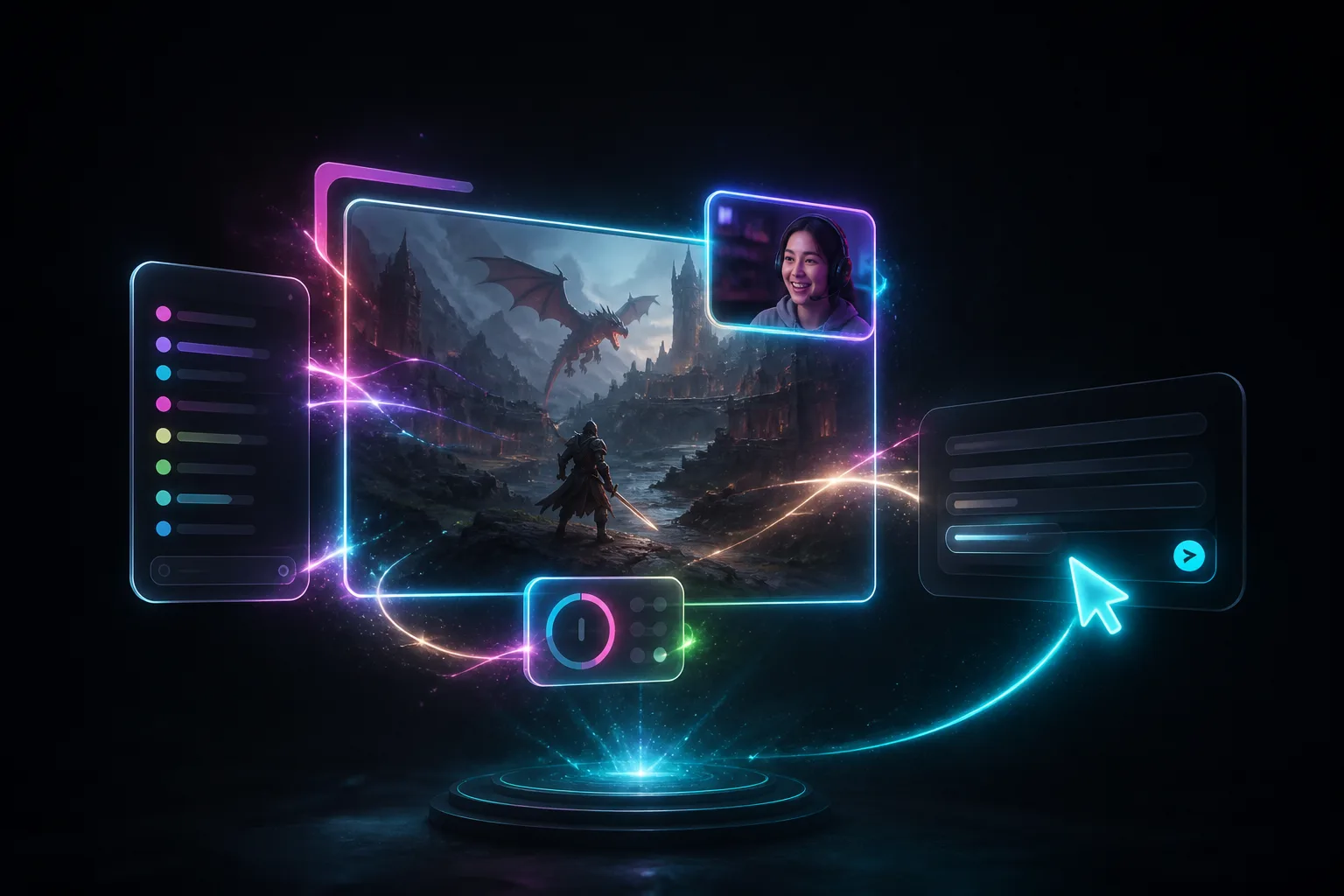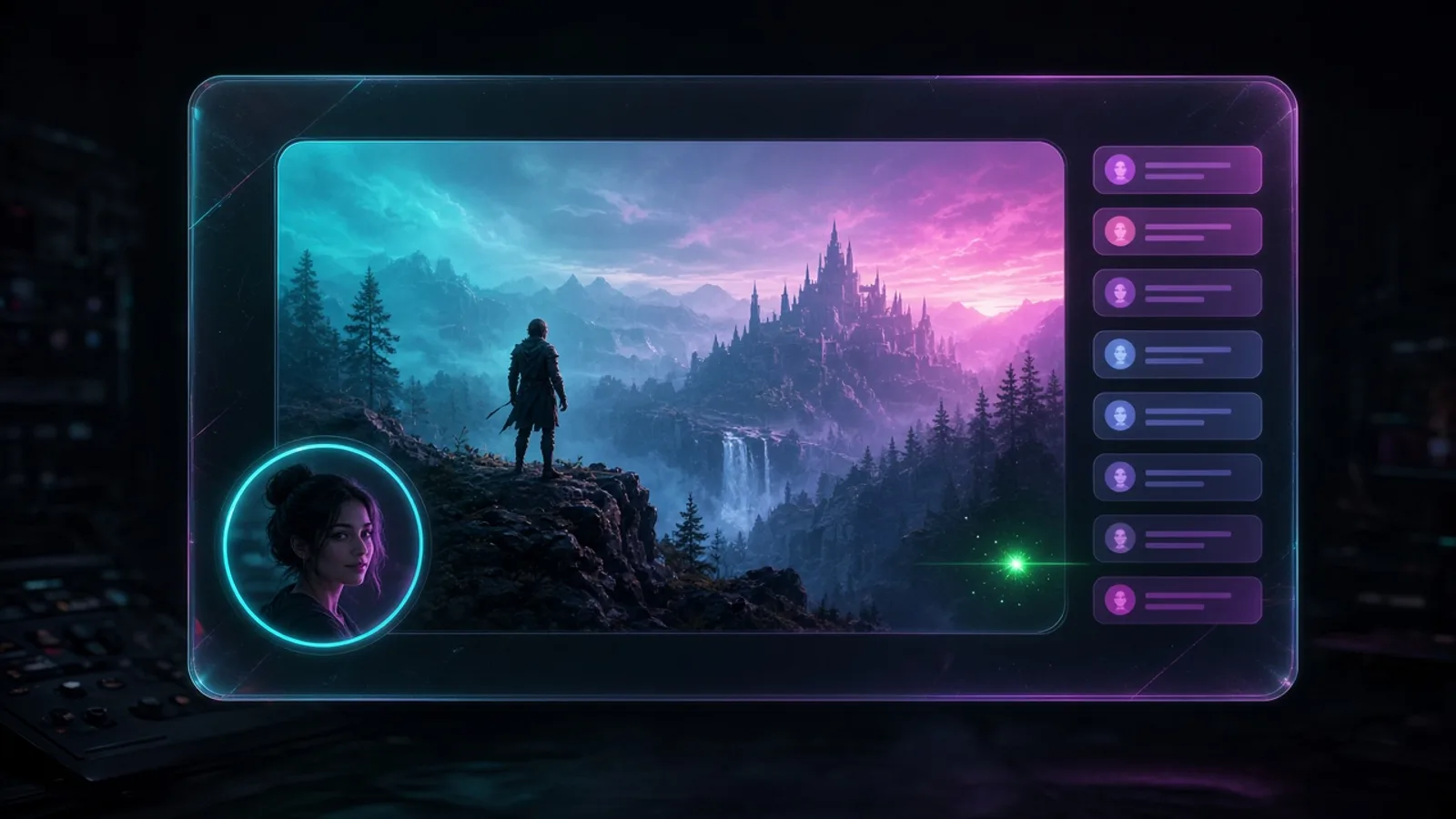
Studio can filter a whole scene now
Color, chroma, sharpen, flip, rotation, corner pin, and rounded card sit on the scene, not just one overlay.
Takeaway
You already had filters on overlays. Now the same ones sit on the scene. Click the scene, open Settings, and Color, chroma, sharpen, flip, rotation, corner pin, or a rounded card hit the whole picture: game, camera, overlays.
The overlay still owns its own look
Chroma key on the camera still belongs on the camera. Color on the game still belongs on the game. Those overlay Filters did not go anywhere. Scene filters run after the scene is composed, so one pass covers everything on that scene. You are not copying the same sliders onto five layers.
When the whole scene should look different
Say Just Chatting should feel cooler than Playing. Put Color on the Just Chatting scene and leave Playing alone. A BRB can sit a little darker without touching every overlay. Starting soon can live in a rounded card. Flip or rotation is the whole frame, not a single capture you forgot.
- Color: brightness, contrast, saturation, hue, temperature, tint, gamma, opacity.
- Chroma key, sharpen, flip, rotation, corner pin, rounded card: the same kinds as overlay Filters.
It's in Scene Settings
Click the scene in the list, not a layer on the canvas. Settings, General, Filters. Overlay Settings still has its own Filters tab. You can use both: chroma on the cam, Color on the scene. Clicks live in the Studio guide.
Get Studio from Downloads. More about the app is on the Studio page.