Pick the chat commands bigger streams already use
Add a command, event, timer, or action and you get a popup of ideas. Pick one, edit the reply, save.
Takeaway
Hitting Add on a chat command, event, timer, or action used to dump you in a blank editor. Now it opens a popup of ideas: hello, lurk, raid thanks, Discord reminders, Stream Deck scenes. Pick one, change the reply if you want, save. That's most of the chat setup bigger streams already run, without writing it from scratch.
What the popup actually is
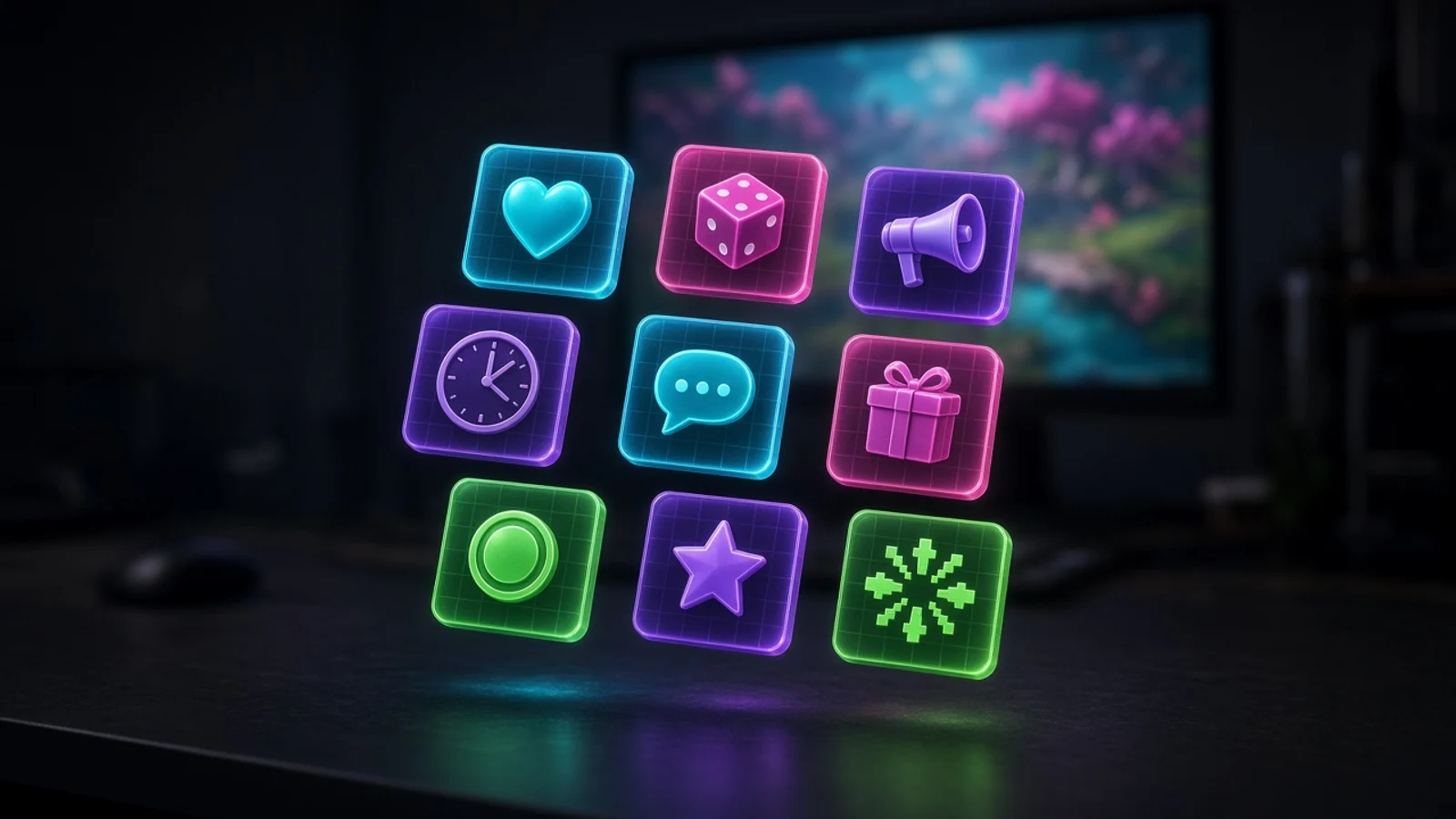
Open Chat Tools and hit Add command, Add event, or Add timer. Open Actions and hit New action. You get cards under Start here, then Fun, Community, Channel, or Studio, depending on which list you are in. The editor is already filled in. You can still change the trigger and the reply before you save. Write your own is at the bottom if none of the cards fit. Clicks live in the automod and timers guide and the Actions guide.
- A card that belongs somewhere else takes you there. Raid out opens Actions. Incoming raid thanks open Events. You are not stuck faking a raid with a chat reply.
- Replies run in Chat Tools, so Twitch, YouTube, and Kick can share the same !discord without three bots.
- Say you pick Hello, Discord, and Lurk, then Follow as an event and Socials as a timer. Save those, go live from Studio, and chat already has something to type.
Chat commands
Someone types a !token and StreamChum replies. One command works across the platforms you connected, so you are not setting Nightbot up three times. If the reply should also hit an overlay or a Studio scene, that is an Action, and the picker will send you there when the idea is really a raid or a scene switch.
Start here
These are the ones almost every channel needs on day one. Paste your real links where it says to paste them.
- Hello (!hello, also !hi and !hey): greets them by name. New people should hear they landed in a room, not a void.
- Socials (!socials, !links): paste your links once. Chat can find you without asking in the middle of a fight.
- Discord (!discord): paste the invite. That is how someone who showed up once becomes someone who comes back off-stream.
- Donate (!donate, also !tip and !kofi): paste Ko-fi or a tip link. People who want to support you should not hunt the panel while you are in a round.
- Lurk (!lurk, !lurking): thanks them for hanging around quietly. A lot of the room is watching, not talking.
- Shoutout (!so, !shoutout, mods only): shouts out who they tagged. The other channel gets a bump without you typing the line by hand.
- Commands list (!commands, !help): a list you edit as you add more. New people type !help on every platform. Give them something.
Fun
Bits for downtime, loading screens, and games where dying is the joke. Cooldowns are already on the ones that would spam.
- Hug (!hug): hugs who they named, or themselves. Cheap warmth when the game is quiet.
- Say (!say): repeats what they typed after it. Chat can put a line in the feed without your account.
- 8-ball (!8ball): yes, no, or maybe. A silly bit while ranked is loading.
- Coin flip (!coin): heads or tails. Instant tie-breaker for do we run it back.
- Dice (!dice): rolls 1 to 20. Tabletop chat, or roll for loot between matches.
- Luck (!luck): a number from 1 to 100, with a short cooldown so it does not flood.
- Ship (!ship): pairs them with who they tagged. Chaos for Just Chatting. Cooldown is already on.
- Rate (!rate): scores whatever they typed. Chat arguing about a 3/10 loadout is still chat talking.
- Death counter (!deaths): counts up each time it is used. Souls, horror, any run where dying is the bit.
- Deaths so far (!deathcount): reads that counter without adding one. Viewers can check without padding the number.
- Hype (!hype): this command's own running tally. A button the room can mash when something actually happens.
- Silent: no chat reply. Overlay games can still listen for the token, so a hangman guess does not print a bot line every time.
Community
These read the viewer profiles StreamChum already builds from chat. You are not typing a spreadsheet. You are letting people see that they have been here.
- Seen (!seen): days, streams, and chat lines. You remember them without faking hours watched.
- Followage (!followage): how long they have followed you on Twitch. Looks up someone else if they tag a name.
- Subage (!subage): how long they have been subscribed on Twitch. Looking up someone else is yes or no; months come from the person who typed.
- Welcome back (!wb): days since they last showed up. A gap feels noticed.
- Top chatters (!top): who talks the most. The room likes a scoreboard.
- Regulars (!regulars): who shows up to the most streams. Attendance, not volume.
- Chat champ (!champ): the one person with the most chat lines. A crown without a loyalty plugin.
- Most streams (!loyal): the one person at the most streams. Different from who typed the most tonight.
- Which site (!here): Twitch, YouTube, or Kick, plus the channel name. Useful when you are live to all three and someone asks if they are in the right chat.
- Subs only (!subhi): only subscribers can run it. A tiny perk that still feels like a perk.
Channel
Live stats and schedule, plus cards that route you to the right tool when the job is a raid or a title change.
- Uptime (!uptime): how long you have been live. Offline gets a not-live line.
- Title (!title): the current stream title.
- Game (!game): the current category or game.
- Set title: opens Actions. Mods type !settitle Ranked grind.
- Set game: opens Actions. Mods type !setgame Just Chatting.
- Permit link (!permit, mods only): lets one person post a link for 60 seconds.
- Followers (!followers): live follower total across platforms.
- Subscribers (!subs): sub total across connected platforms.
- Viewers (!viewers): how many people are watching right now.
- Twitch goal (!goal): your current Twitch creator goal, current vs target.
- Next stream (!when): your next Twitch schedule slot.
- Upcoming (!upcoming): the full Twitch schedule, not just the next one.
- Time (!time): the current time in this workspace. People in other timezones stop guessing.
- Timezone (!tz): a named timezone you can change. The starter says London. Edit it to yours.
- Sub points (!subpoints): Twitch subscriber points, not the sub count. Different number, useful if you actually track it.
- YouTube (!youtube): YouTube subscriber count, for people who only live in that chat.
- Kick subs (!kicksubs): Kick sub total, if Kick sends it.
- Raid out: opens Actions with !raid filled in, mods only. It queues the same countdown as Live Center.
- When they raid you: opens Events. A raid is a moment, not a command someone types.
Events
Events fire on a moment: a follow, a sub, a first chat line. You do not wait for someone to type a command. Pick one, edit the message, save. Raid out from this picker still opens Actions, because raiding out is a step, not a thank-you.
Start here
- Follow: thank them when they follow. Starts on Twitch. Switch source if you want YouTube or Kick on their own.
- Subscribe: thank a new sub. Starts on Twitch. Same idea: a person paid, the room should hear it.
- When they raid you: thank the raider by name and viewer count. Incoming raids should not land in silence. People who joined from YouTube and Kick still see it in chat, even if they missed Twitch's raid banner.
- First seen: welcome someone the first time they chat. That is the whole job of a first-time highlight.
Community
- Welcome back: days since they last showed up, fired as an event so you do not wait for !wb.
- Chat lines: fires when they hit a chat-line milestone. A 100th message is a moment if you treat it like one.
- Streams present: fires when they hit a streams-present milestone. The person who has been at 10 streams should hear it.
Channel
- Went live: when your stream starts. Add Discord under Post to for a ping so the server knows without a manual paste.
- Stream ended: when the last platform goes offline. Close the room on purpose instead of vanishing.
- Watched went live: someone on your Friends watch list went live. Collab radar without refreshing Twitch.
- Ko-fi: thank them when they tip on Ko-fi.
- Bits: thank a Twitch cheer. Switch source for Kick Kicks.
- Speech keyword: fires when Studio hears a phrase you pick. You talk, an Action can fire. Captions have to be on for that mic.
- Raid out: opens Actions with !raid filled in. Do not try to raid from an event thank-you.
Timers
Timers post on a cadence while you are live. Promo lines wait for chat activity, so you are not shouting into an empty room. Next stream is the exception: it can also post while you are offline, with no chat gate, so people checking the channel at 2pm still see when you are back. Follow and raid thanks from this picker open Events. Those are moments, not 20-minute loops.
Start here
- Socials: rotating promo. Paste your links. About every 12 minutes while chat is awake.
- Discord: invite on a slower cadence, about every 18 minutes. Discord should not be every other line.
- Donate: paste Ko-fi or a tip link. Periodic, not desperate.
- Commands: remind chat what they can type. New people missed the first !commands.
- Follow: a nudge while the room is awake. This is not a thank-you on follow. That is an Event.
- Subscribe: a sub reminder, not a thank-you on sub.
Community
- Chat champ: shout the person with the most chat lines so the room hears it without someone typing !champ.
- Regulars: who shows up to the most streams, on a slower cadence. Attendance as a reminder, not a command.
- Lurk: thanks people who hang around quietly, including the ones who never type !lurk.
Channel
- Viewers: live viewer total across platforms, plus a welcome.
- Twitch goal: current vs target, so the bar is also in chat.
- Next stream: also posts while you are offline, no chat gate. People who miss the VOD still see the next slot.
- Upcoming: the full Twitch schedule, not just the next one.
- When they follow: opens Events. A follow is a moment, not a 20-minute timer.
- When they raid you: opens Events for the same reason.
Actions
An Action is a short run of steps: overlay, wait, chat, switch a Studio scene, native Twitch shoutout, raid countdown. Fire it from a command, an event, a speech keyword, or a Stream Deck key. The picker fills in a trigger and the steps. You pick the scene or the overlay, then save. Setup is in the Actions guide.
Start here
- Stream Deck scene: press a key to switch a Studio scene. Pick the scene. Hands stay on the board, not the mouse.
- Raid out: mods type !raid somechannel. Queues the same countdown as Live Center. Chat cannot send the room unless you change the permission.
- Shoutout: mods type !so somechannel. Sends the native Twitch shoutout, not just a chat line.
- Follow: overlay first, then a chat thank-you after a short wait. Starts on Twitch. Looks like a produced alert, not a bot dump on top of the graphic.
- When they raid you: overlay, Twitch shoutout to the raider, then a chat welcome. The thanks and the on-screen bit happen in one run.
Studio
Scene switches, sounds, overlays, and speech keywords. These are the bits that make the picture move when you talk or hit a key.
- Stream Deck sound: press a key to play a clip. Pick the sound. Drops, stingers, the we won horn.
- Stream Deck overlay: press a key to fire an overlay. Pick the element. Manual hype when chat is already loud.
- Speech to overlay: when Studio hears a phrase, ping an overlay. Add the words. You say let's go and the graphic hits.
- Speech to scene: when Studio hears a phrase, switch a Studio scene. Talking BRB without hunting a hotkey.
- BRB scene: mods type !brb to switch a Studio scene. You can be in the other room. They still cut to the graphic.
- Subscribe: overlay, then a chat thank-you. Starts on Twitch.
Channel
- Bits: overlay, then thank them for the bits. Starts on Twitch.
- Ko-fi: overlay, then a chat thank-you.
- Announcement: mods type !announce. Posts a Twitch announcement, the colored bar people actually notice.
- Slow mode: mods type !slow to turn Twitch slow mode on, 30 seconds in the starter. Raid chaos without leaving the game.
- Watched went live: someone on Friends went live. Chat plus Discord if you add it under destinations.
- Went live: your stream starts, post in chat. Discord is already on destinations. Pick a channel.
- Stream ended: thank chat, then switch a Studio scene. Outro without a second click.
- Set title: mods type !settitle Ranked grind. Updates the Twitch title.
- Set game: mods type !setgame Just Chatting. Looks up that Twitch category.
Write your own if none of that is the bit
Every picker still has start from scratch. Silent is the command for overlay games that should hear !guess without printing a reply. If you want chat bubbles or hangman on screen, that is a custom element, not a command: see overlays that hear chat. Friends go-live pings are on Friends and Discord.
Free includes Chat Tools and Actions on one platform. Speech keyword cards need live captions on a Studio mic, which is a Plus or Pro hours cap, not creative AI credits. Stream Deck needs the StreamChum plugin and a scoped token under Settings, Channels.
More on Chat and Actions. Go live from Studio. Setup is in the automod and timers guide and the Actions guide.
Keep reading