Twitch GIFs show up in chat now
Live Center and the chat overlay play GIFs from Twitch. Creator goals include new Bits and new cheerers. Element Builder restyles without rewriting the overlay.
Takeaway
Twitch started sending GIFs in chat. They play in Live Center and on the chat overlay now, next to emotes, instead of dumping the GIF title as text. Same pass: Twitch's new Bits and cheerer goals have names, and Element Builder looks at a first build before it calls it done.
The GIF, not the title
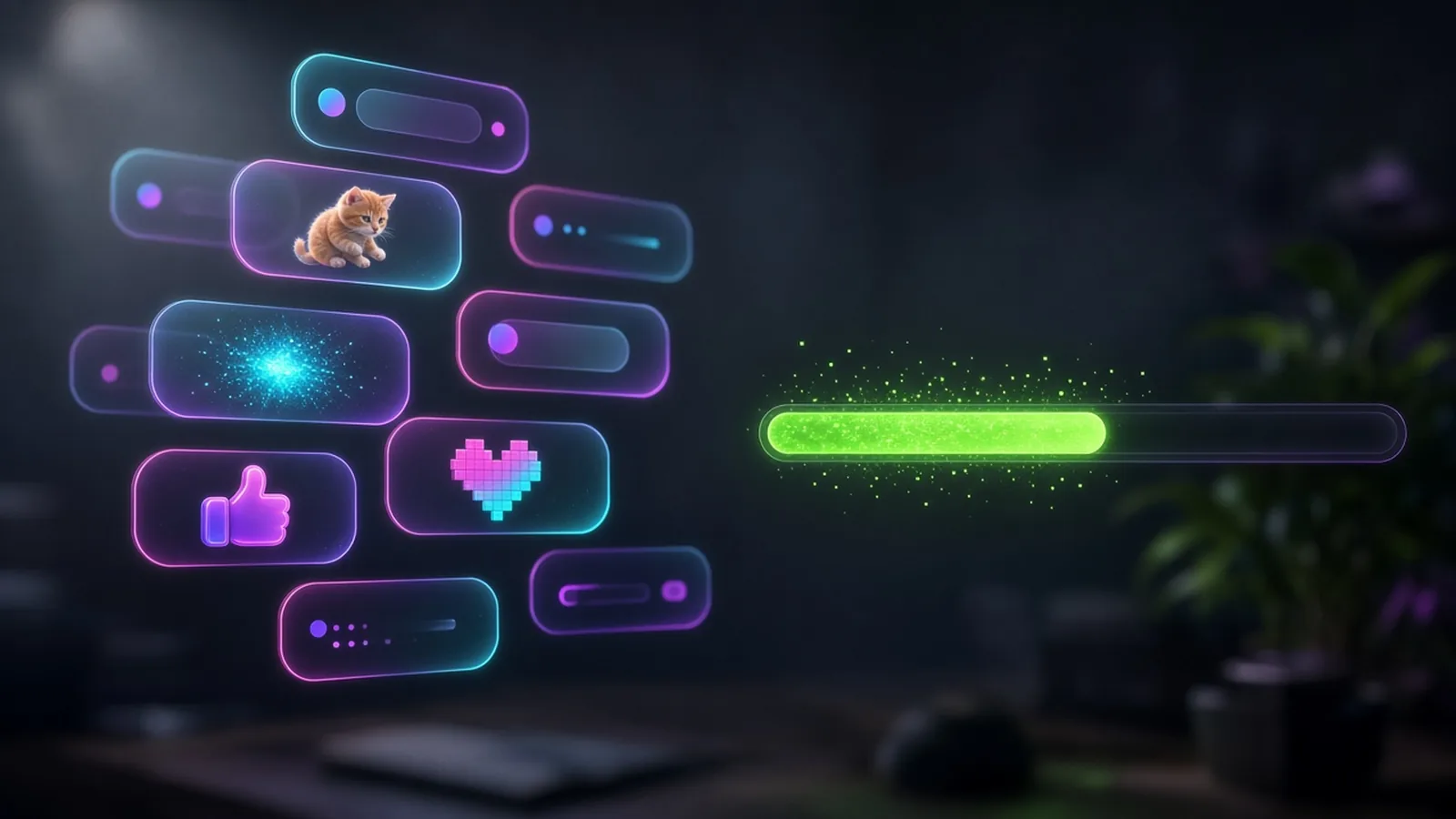
Someone drops a GIF on Twitch and you used to see a bracketed title in the feed. The picture is what they sent. Live Center and the built-in chat overlay now play it. Emotes still sit in the same line. YouTube and Kick do not send GIFs this way, so those rows stay text and emotes.
No extra toggle. If Twitch is connected, it is already in the feed and on the overlay you already dropped on the scene. Clicks for the overlay live in the overlays guide, and the feed is in the Live Center guide.
Bits and cheerer goals
Twitch added creator goals for new Bits and new cheerers, next to the follower and sub ones you already had. StreamChum already reads the first active goal for widgets, !goal, and the timer that posts the bar. Those new types now say New Bits goal or New cheerer goal instead of a generic creator goal. Set the goal on Twitch. The overlay and the chat line pick it up.
Element Builder checks the overlay
After a first build or a restyle, Element Builder looks at the overlay before it treats it as finished. Cut-off type, no contrast, motion that never starts: it tries to fix those. Say "make it look better" or "this looks generic" and it restyles look and motion. The commands, the score, and the pixel walker stay. A colour tweak is still a colour tweak. A restyle is the whole look.
If a backdrop could be a generated image or CSS, or a character could be a sprite sheet or CSS, it asks which one instead of guessing. You pick. Then it builds.
GIFs and creator goals are in chat on Free. Element Builder restyle spends creative AI credits on Plus or Pro.
More on Chat and Element Builder. Setup is in the Live Center guide and the overlays guide.
Keep reading