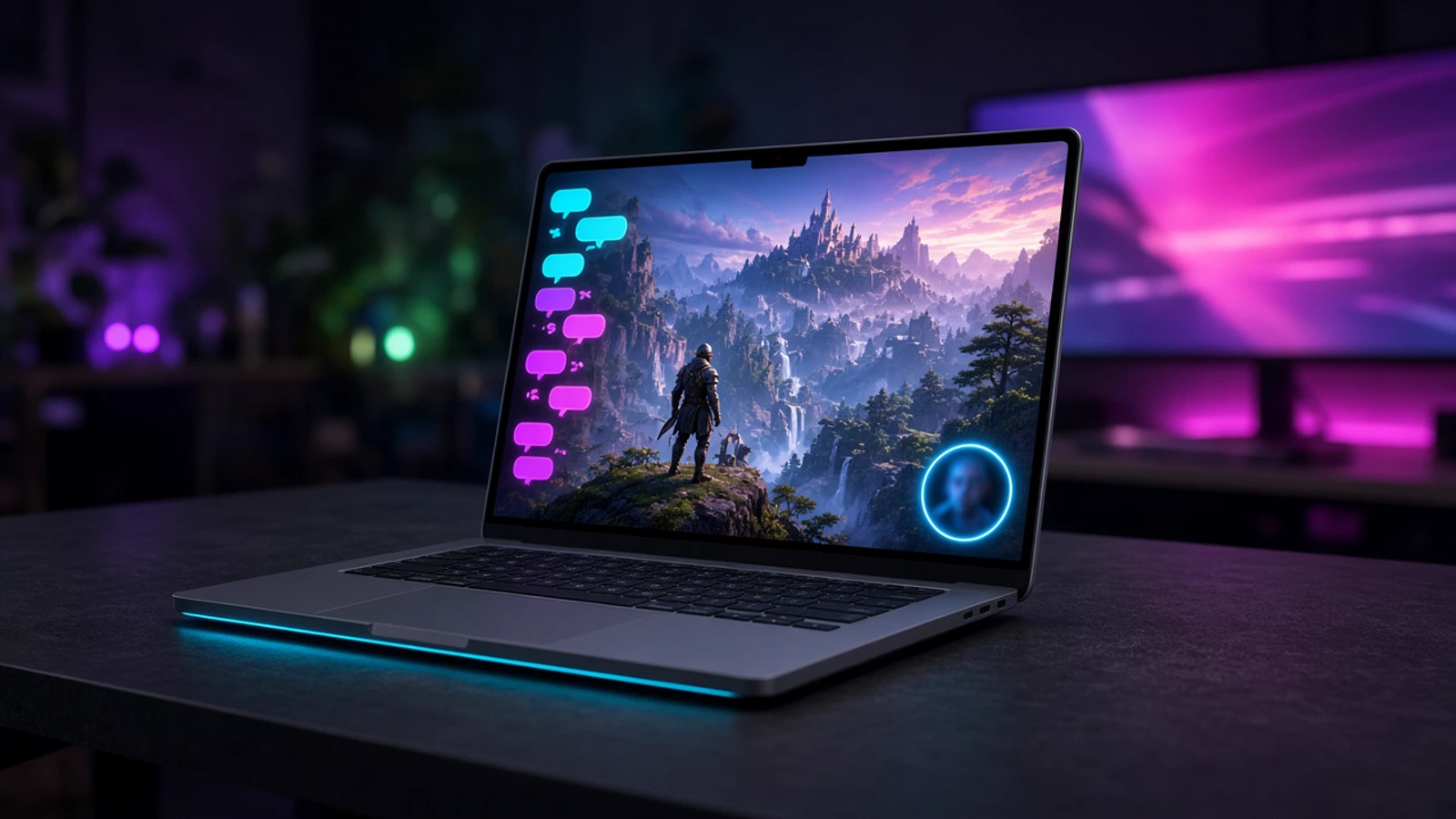
StreamChum Studio is here
The go-live app for StreamChum. Same login as Live Center. Twitch, YouTube, and Kick in one click.
Takeaway
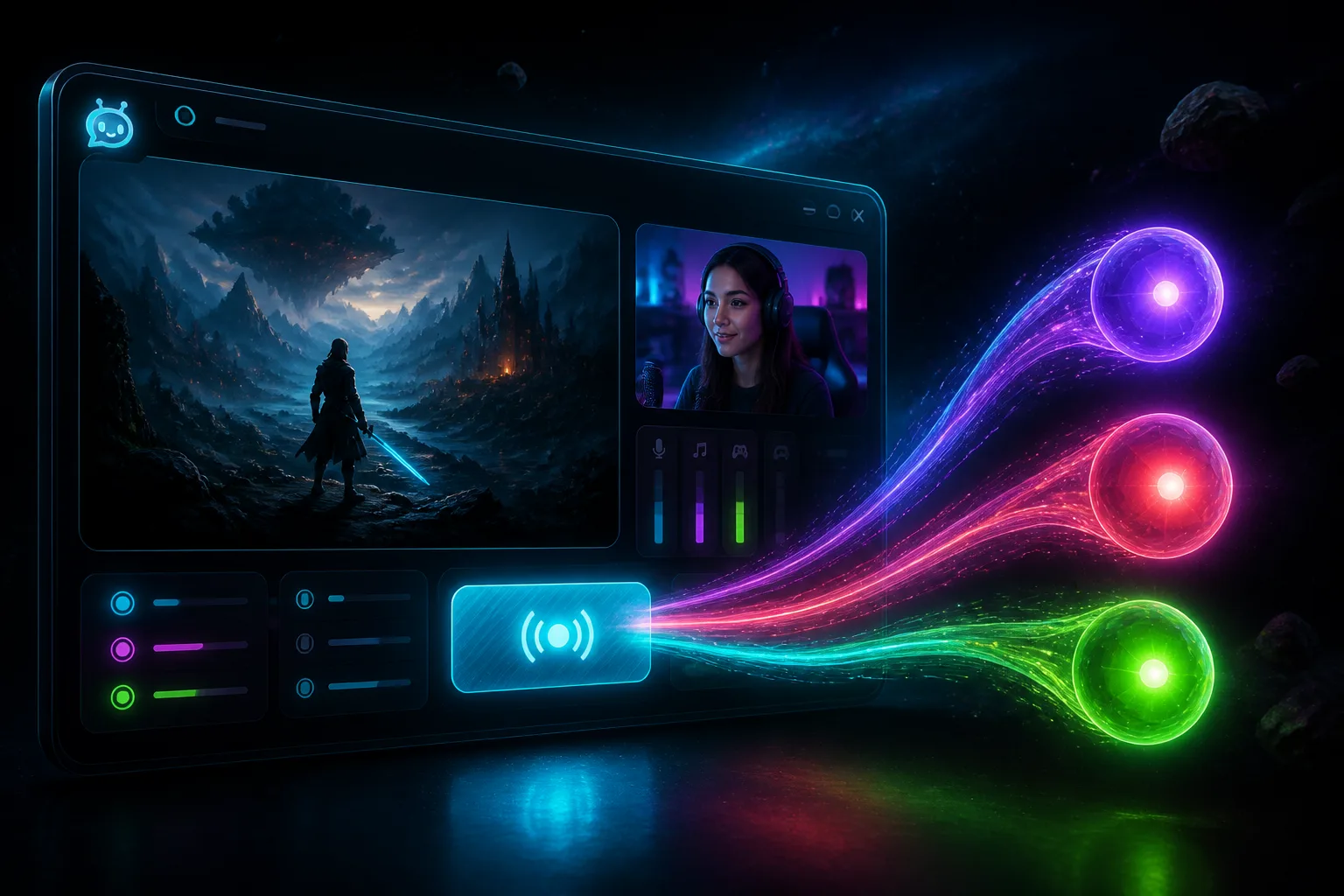
StreamChum Studio is out for Windows and Mac (Apple Silicon). Sign in with the account you already have, put a scene together, and go live to Twitch, YouTube, and Kick in one click. Chat stays in Live Center. You don't start over.
What lives where
Studio is the encode and the canvas. Live Center is still the three chats. If someone in chat should actually play, Play is a join link, not a second encoder. The OBS plugin is still there if you are not ready to leave OBS.
| What you want | Where it happens |
|---|---|
| Go live to Twitch, YouTube, and Kick | Go live in Studio |
| Read chat and timeout on the right platform | Live Center |
| Viewers play from a browser | Play |
| A matching overlay set tonight | A free pack, or describe it in Elements |
| Still in OBS, not ready to move | The OBS plugin |
Scenes and overlays
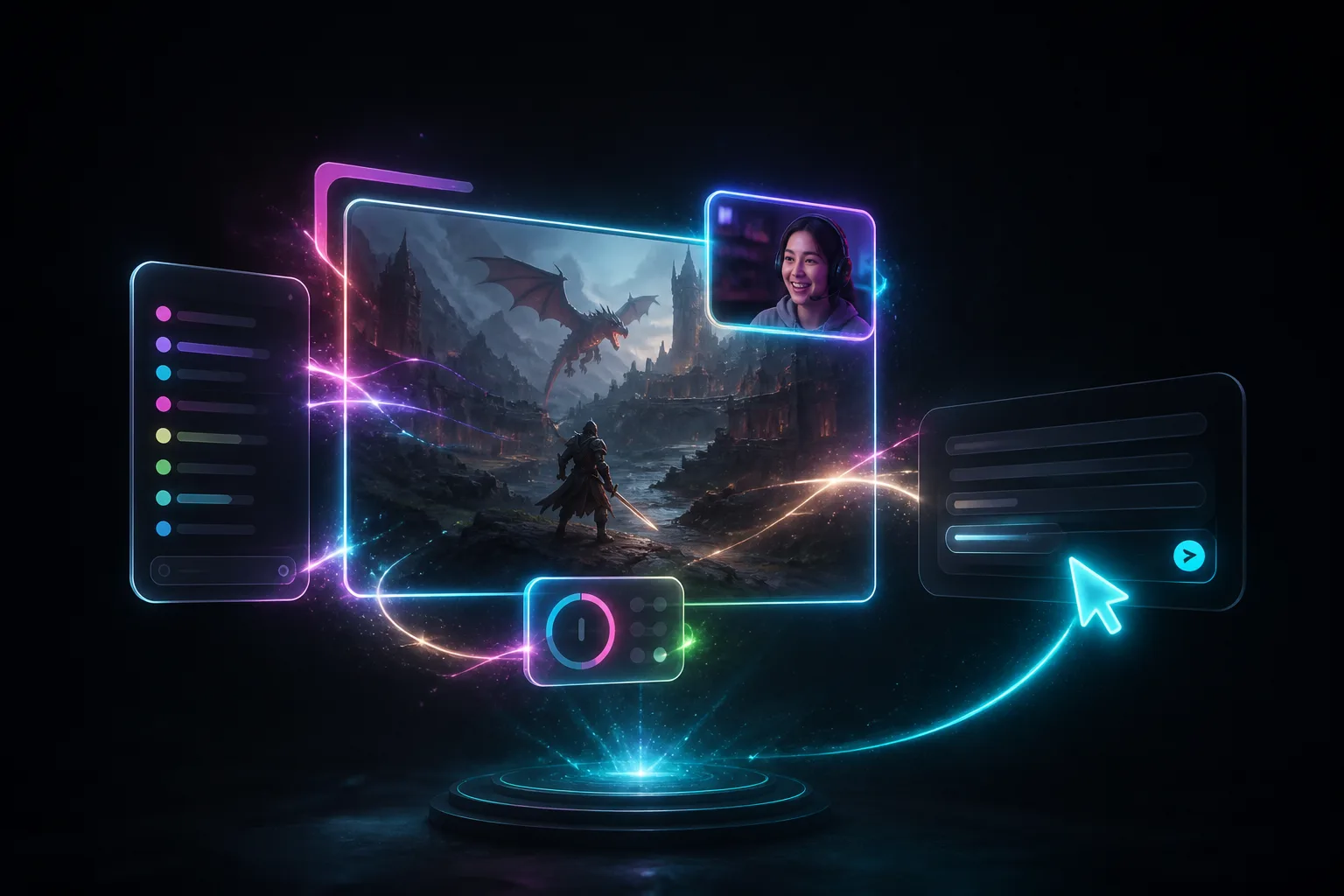
A scene can look finished pretty fast. Grab a free pack if you want something on stream tonight. Or open Elements, describe what you want, and brand a collection so chat, alerts, and goals match. Then drop them onto the Studio scene with the game and the camera. A specific ask works: purple full-screen sub alert, my logo in the corner, chat on the left, webcam top-right. Or ask Studio to put the game full frame, camera bottom-right, chat left.
Want something custom? Describe a widget in overlays. Hit Go live and you're on Twitch, YouTube, and Kick together. Timeouts still land in Live Center.
Studio is out now for Windows and Mac (Apple Silicon). Free includes Studio on one platform. Grab it, sign in, and go make a scene.
Get it from Downloads. More about the app is on the Studio page. Setup is in the Studio guide.