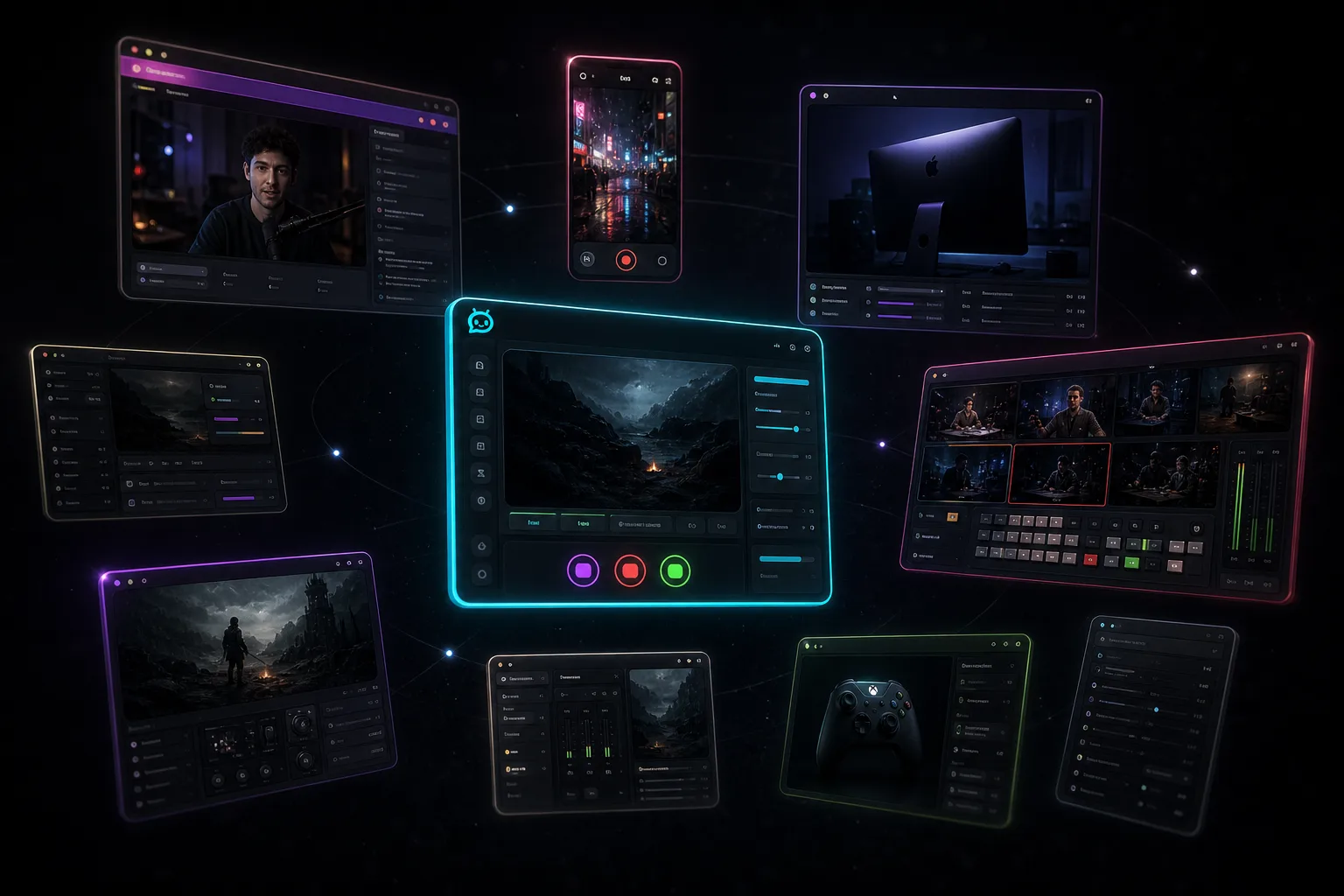
Top 10 alternatives to Restream
Restream is still the name for sending one feed to a lot of platforms. Ten other ways to do that job, and who each one is for.
Takeaway
Restream is still the name for sending one feed to a lot of platforms. These are the other ways people actually do that job. Ours is on the list. I'll say when I'm talking about us.
Why people look past Restream
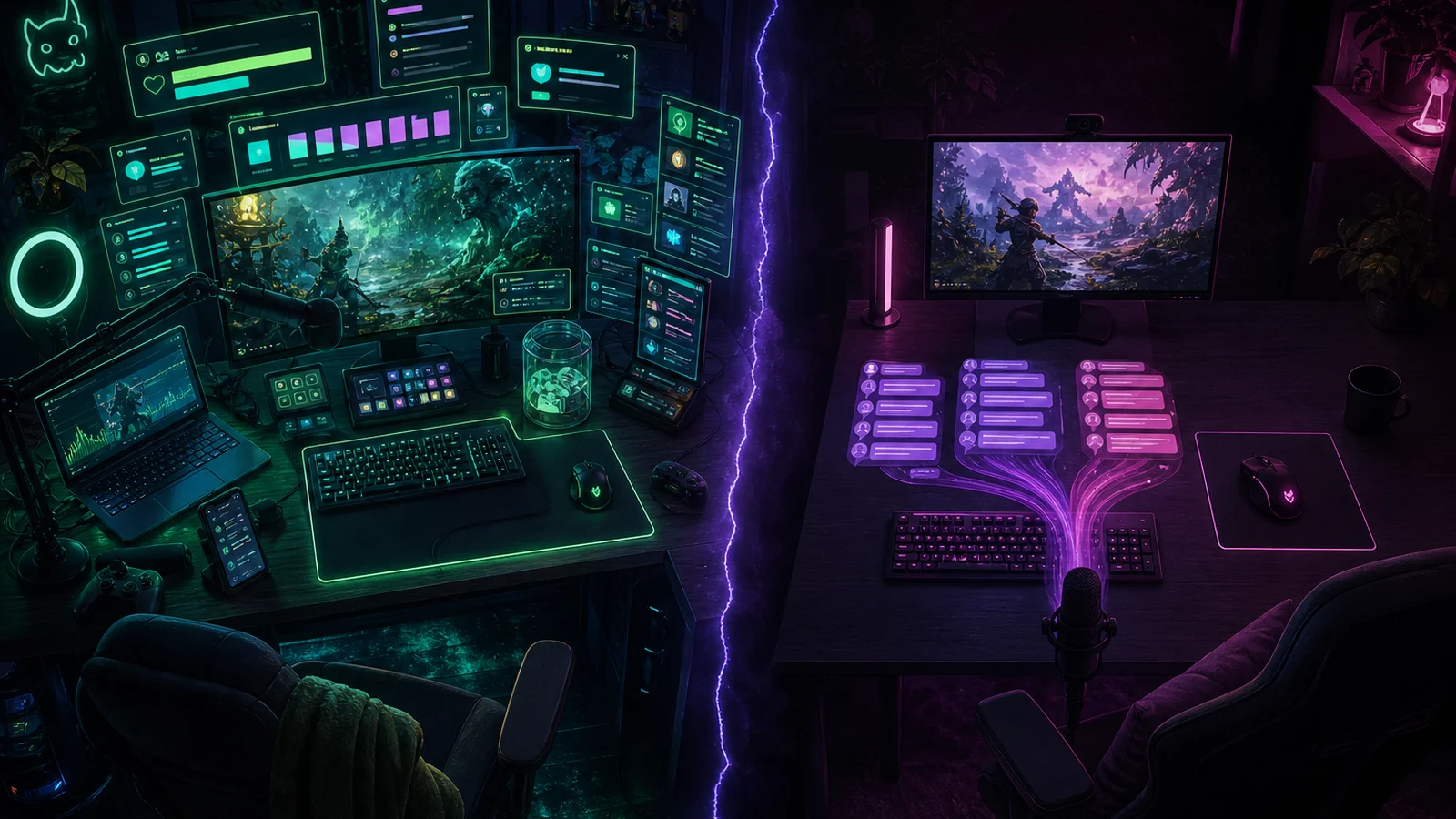
Restream still works. One encode, a pile of destinations, a chat pane you mostly read. People look elsewhere because the bill tracks how many channels you light up, 1080p in their Studio sits on Professional, or they are trying to moderate Twitch, YouTube, and Kick during a game and a combined chat pane is not enough.
Fair warning: this is a StreamChum blog. Some of these are other cloud relays. Some are local encoders that go live without a middle service. A couple are browser studios for talking-head streams. The other nine are real products.
| If this is you | Start here |
|---|---|
| Windows or Mac, three platforms, and you need to timeout people | StreamChum Studio |
| Viewers should play from a browser | StreamChum Play |
| Already in Streamlabs, want their cloud multistream | Streamlabs Ultra |
| Staying in OBS, dropping the extra service | OBS plus StreamChum plugin |
| Interviews, guests from a link | StreamYard |
| Console or overlay-first, less local encoding | Lightstream |
| Cloud relay plus video hosting | Castr |
| Pre-recorded and 24/7 social posts | OneStream Live |
| Mac talking-head | Ecamm Live |
| Already paying for XSplit | XSplit Broadcaster |
1. StreamChum Studio
This is ours. We built StreamChum Studio so go-live sits in the same product as chat, mods, overlays, and Play. Sign in with the account you already have, turn on Twitch, YouTube, and Kick, hit Go live, and you're on all three at once. Paid plans include those three platforms. We do not charge extra to light up Kick. Timeouts still land on the platform the message came from, in Live Center. Restream's combined pane is something you read. YouTube still needs YouTube's own tools for a timeout. If someone in chat should actually play, Play is a join link, not a second destination. Setup is in the Studio guide.
StreamChum: Free on one platform, no card. Then Plus or Pro. USD list is $9.99/month or $99/year for Plus, $16.99/month or $169/year for Pro. Both include Live Center, Studio, and all three platforms. They differ by creative AI credits, seats, retention, and live caption hours. Restream, from their pricing page: free is 2 channels with their branding. Standard is $19/month for 3 channels. Professional is $49/month for 5 channels and 1080p in their Studio. Buy the job you will click, not the cheaper logo.
- Best for: Windows or Apple Silicon, three platforms, and you want chat and go-live in one login.
- Skip if: you needed 12 destinations, or Restream's chat relay that copies a Twitch line onto YouTube. Mac is Apple Silicon, macOS 13.3+.
2. Streamlabs Ultra
If Restream was sitting after Streamlabs Desktop, Ultra is the swap that stays in that app. Their cloud takes one encode (or two with Dual Output) and fans it out. Free Dual Output is one horizontal plus one vertical. Three platforms, or two of the same orientation, is Ultra. The picture is solved. A Kick timeout still needs Kick's own tools. Live Center can sit in the browser next to Desktop if that is the missing piece. The longer split is StreamChum vs Streamlabs. Grab it from Streamlabs Multistream.
- Best for: you already live in Streamlabs Desktop, and multistream was the missing Ultra checkbox.
- Skip if: you need to timeout Twitch, YouTube, and Kick from one place.
3. Meld Studio
Meld is a free encoder that isn't OBS, on Windows and Mac. Destinations live in the app, so you can leave Restream. Chat next to the preview is a combined view, which is handy while you're looking at the scene. You can see a Kick line. Timeout still has to happen in Kick's own tools. If you also need Live Center, that's us, and the longer split is StreamChum vs Meld Studio. Grab it from Meld.
- Best for: you want a free encoder and you will never timeout from that window.
- Skip if: the missing piece is actions that land on the right platform.
4. OBS, without the extra service
A lot of Restream setups are OBS pointing at Restream's ingest. You can keep OBS and stop paying that extra service. Extra RTMP outputs, or our OBS plugin so Go live hits Twitch, YouTube, and Kick from the same login as Live Center. Chat and mods stay in the browser. If the layout is already in OBS (game, cam, alert URL), you do not have to rebuild it to stop paying for a third destination. If you want the click in the same product as Live Center, that is Studio. Grab OBS from OBS.
- Best for: your scenes already live in OBS, and Restream was only the fan-out.
- Skip if: you wanted to leave OBS this week. The plugin is the compatibility path, not the product default.
5. StreamYard
StreamYard is a studio in the browser. Guests join from a link. That's good for interviews and panels when you don't want anyone to install anything. Restream Studio is in that family too. StreamYard is the one people pick when the stream is faces, not a game capture. StreamChum Play is a different link: a virtual pad into the game, not a talking-head guest. That same StreamYard tab is a bad place to capture Fortnite at 60fps. Grab it from StreamYard.
- Best for: people talking, guests from a link, no install.
- Skip if: you need a game, a webcam, and overlays at 60fps.
6. Lightstream
Lightstream is a browser plus a helper app, aimed at people who don't want to run a full encoder on their PC. Console streamers, overlay people, anyone who'd rather not set up Windows just for a webcam and a banner. You give up some local control so someone else's computer does part of the job. If you stream from an Xbox and you don't have a capture card, it can take the console feed and an overlay without turning a second PC into an encoder. Our console path is Live Center on a phone while Xbox Broadcasts. Studio is the local encode once you add a capture card. Grab it from Lightstream.
- Best for: console, overlay-first, you'd rather not run a full encoder locally.
- Skip if: you want every source, bitrate, and scene sitting on your own PC.
7. Castr
Castr is a cloud relay that also hosts video. Send one feed from OBS or another encoder, and it fans it out. They also do an embed player, VOD, 24/7 playout, paywall, that kind of stack. Restream's job was show up on more socials. Castr's job is closer to we run video as a product. A church that wants the service on YouTube, Facebook, and their own site, then a VOD on the homepage, is the kind of job Castr is built for. If you are in a match with three chats, you need timeouts, not an OTT player. Grab it from Castr.
- Best for: a player on your own site, recordings, and a bunch of destinations from one ingest.
- Skip if: the missing piece was timeouts on Twitch, YouTube, and Kick.
8. OneStream Live
Cloud studio, RTMP in, and a lot of social destinations. The thing they lean on is pre-recorded as live: schedule a file, run it 24/7, keep YouTube live when you are asleep. Restream can upload and stream too. OneStream is the one people pick when the calendar is the product. A recap you recorded and want live on YouTube at 9am while you are at work is that job. If you are actually in the lobby, a scheduled file cannot timeout the YouTube chatter who just showed up. Grab it from OneStream Live.
- Best for: scheduled files, 24/7 social, a lot of destinations that are not a game capture.
- Skip if: you are live in the game and chat is typing right now.
9. Ecamm Live
Ecamm is a native Mac app: guests, layouts, a finished-looking talking-head stream. If you're on Apple silicon and OBS still feels awkward, this is the one a lot of Mac streamers already use. It can go to more than one place without Restream in the middle. StreamYard is the no-install pick. Studio ships for Apple Silicon too, but Ecamm is still the interview pick. Grab it from Ecamm.
- Best for: Mac, talking-head, guests, a stream that should look finished.
- Skip if: you're capturing a game, not running an interview.
10. XSplit Broadcaster
XSplit is Windows, paid, and the UI is more designed than OBS. If the docks and hidden menus wear you out and you still want a local encoder on the gaming PC, without paying Restream for the second and third destination, it's been that option for a long time. You pay for a cleaner interface. You still will not timeout a YouTube chatter from that window. Grab it from XSplit.
- Best for: you already pay for XSplit and you were using Restream just to fan out.
- Skip if: you wanted a free starter pack, or chat and mods across three platforms.
What did not make the ten
- Stay on Restream if 8 or 30 destinations is the actual job, or you wanted their chat relay. That is a real product. We do three platforms, on purpose.
- TikTok LIVE Studio is the right answer when TikTok is the destination. It isn't Twitch, YouTube, and Kick.
- Switchboard Live is unlimited destinations for agencies, government, and media ops. Not a game stream with three chats.
- vMix is a production switcher. Instant replay and four cameras. Nobody needs it just to stop using Restream.
- Nightbot, Fossabot, and Moobot are commands. They do not send the picture anywhere.
StreamChum Studio is out now for Windows and Mac (Apple Silicon). Sign in, build a scene, go live to the platforms you already connected. Free includes Live Center and Studio on one platform. Creative AI credits for describing a new widget start at 0 until Plus or Pro.
Grab it from Downloads. More about the app is on the Studio page. Play is on the Play page. The other encoder roundup is alternatives to OBS. Setup steps are in the Studio guide.
Keep reading