Browse free themes in Studio and go live
Open Marketplace themes in Studio, click a pack, and Intro, Playing, and matching overlays land on this profile. Pick camera and game, then go live.
Takeaway
You can browse the free theme marketplace from StreamChum Studio now. Click a pack, and the scenes plus matching overlays land on this profile. Assign camera and game, then Go live to Twitch, YouTube, and Kick. You are not copying overlay URLs onto a blank canvas.
The marketplace is in Studio
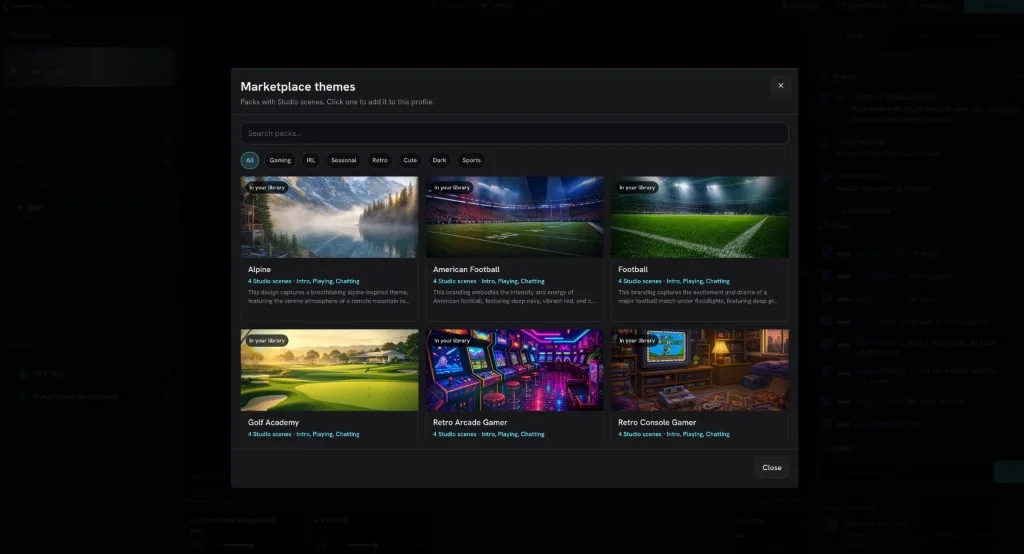
New profile lives in the Studio header. Name the profile, then pick Marketplace themes. You get a sheet of packs that already have Studio scenes: search, filter by category, click one to add it. The same packs still sit on free stream elements if you prefer the website. Clicks are in the Studio guide.
- Search packs, or filter Gaming, IRL, Seasonal, Retro, Cute, Dark, Sports.
- Each card shows how many Studio scenes it has, and names like Intro, Playing, Chatting.
- Click one. Studio installs it the same way the web marketplace does, then those scenes seed this profile.
What actually lands
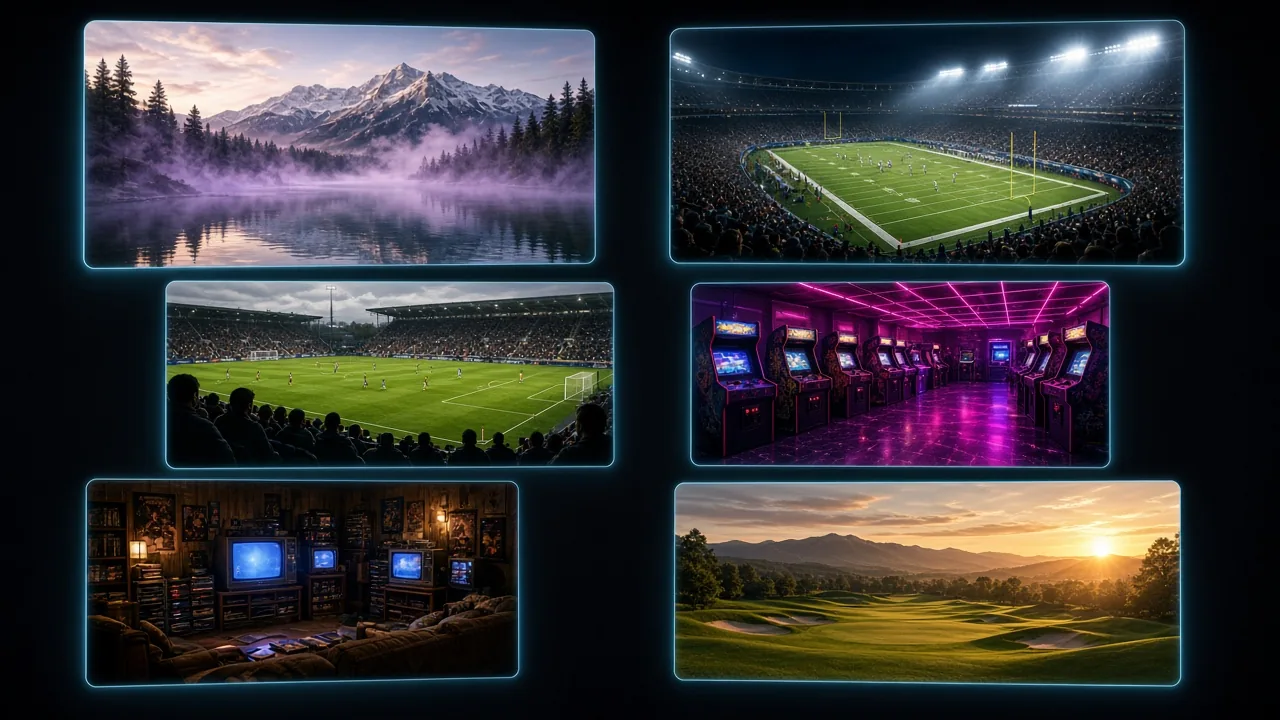
A marketplace pack with Studio scenes is the layouts and the overlays together. Alpine, Golf Academy, Retro Arcade Gamer: the cards show the scene count and names like Intro, Playing, and Chatting. The overlays in that pack match the look. Camera, game, and window captures are empty slots, so this PC picks its own devices.
It lands on this profile
If you are creating a profile, Studio names it and seeds those scenes onto it. If that profile has no theme yet, the cog next to it opens Add a theme: click a pack and it adds to this profile. Installing from the website still creates a Studio profile you can switch to later. The sheet in Studio uses the pack on the profile you named instead of making a second copy. Ranked and Just Chatting can be two profiles, so ranked HUD does not land on the Just Chatting chat box.
You can still describe a scene if you want one
The picker is for a finished look. If nothing in the sheet fits, you can still tell Scene Builder what Playing should be, or describe a widget in Elements. A new overlay created in Studio joins this profile's theme so it matches. Installing a pack does not spend creative AI credits. Describing a new widget still does.
OBS still gets the overlays
If you are still in OBS, the same themed collections still work. Install the pack, copy each overlay URL, paste them as browser sources. Chat and alerts still match. You just do not get Intro, Playing, and Chatting laid out for you. Scene setup for OBS is not in this version.
Installing a marketplace pack does not spend creative AI credits. Free includes Studio on one platform. Credits for describing a new widget start at 0 until Plus or Pro.
Get Studio from Downloads. Setup is in the Studio guide. Packs are on free stream elements.
Keep reading