You can record in Studio without going live
Record in Studio writes an FLV on this computer. You do not have to go live. When you stop, the dialog shows where the file went.
Takeaway
Studio can save the program to a file on this computer. You do not have to go live to keep a take. Hit Record, stop when you are done, and a dialog shows the file name, the size, and the full path.
Same picture, not on a platform
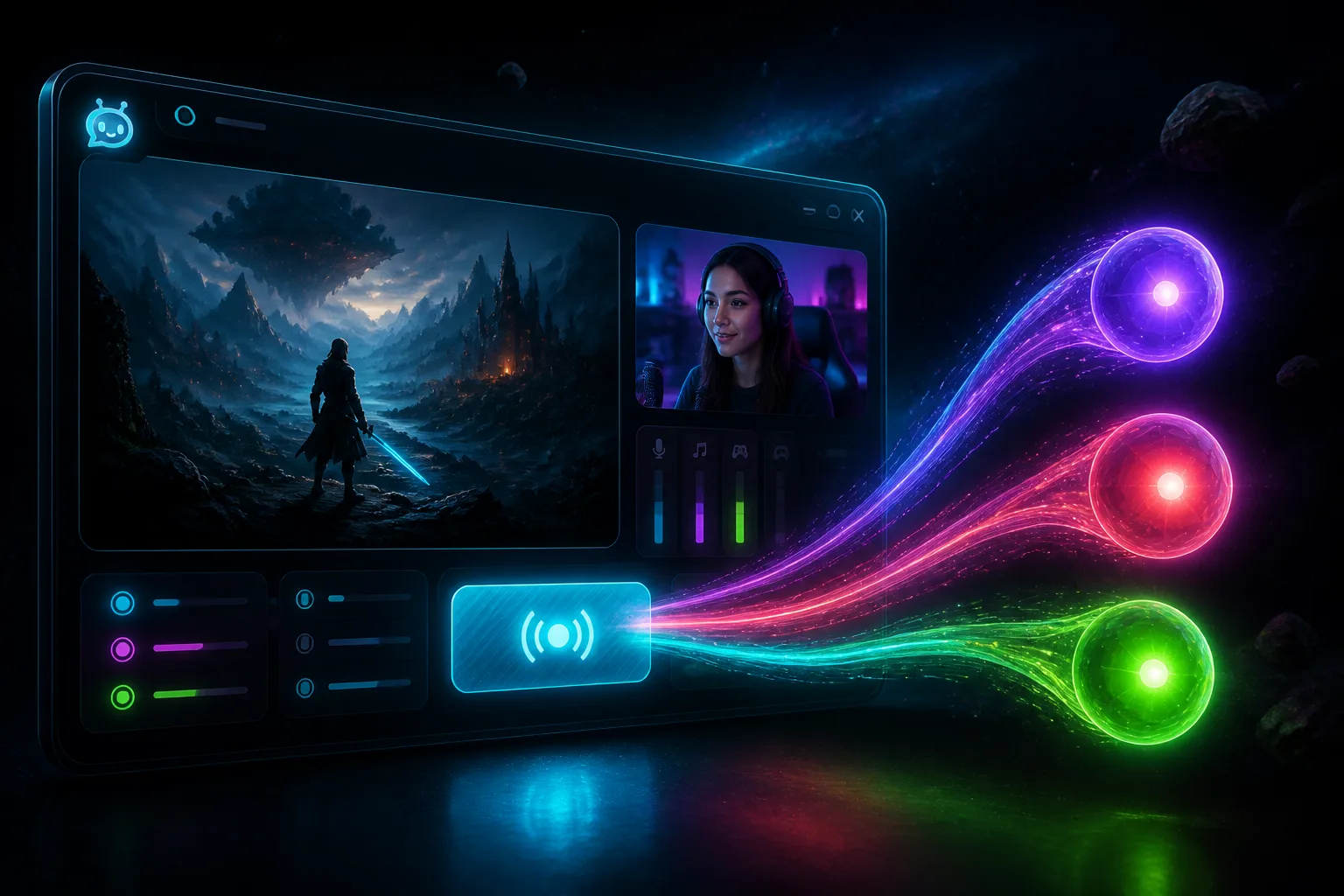
Record uses the picture you already see in Studio: game, camera, overlays, mic. It writes that to disk instead of sending it out. When you hit Record, Studio asks whether the file should be the full screen layout or the mobile one. It records one of them. Say you want a practice run of a new scene, a clip to upload later, or a copy that does not depend on a platform VOD. You do not need a destination turned on, and you do not need to be live.
Where the file goes
Windows puts each take in Videos/StreamChum. Mac puts it in Movies/StreamChum. The next recording does not replace the last one. Press Record and you can point it at another folder. When you stop, the dialog can open that folder or copy the path. The clicks are in the Studio guide.
It is an FLV
The file is an FLV, not an MP4. VLC plays it. A lot of editors will import it. If the player you usually use shrugs at the file, that is the format, not a broken recording.
Keep a local copy while you are live
You can start Record during a broadcast. Studio saves the live full screen program while the stream continues. The local file and live upload have separate output queues, so a slow disk does not hold up RTMP delivery. If the disk fills up, or the folder will not take the write, recording stops without stopping the broadcast and the dialog says the file may be incomplete.
Free includes Studio on one live platform. Local recording does not use a destination, so it is there on Free too.
Get Studio from Downloads. More about the app is on the Studio page.