StreamChum Play is here
Play games with your viewers. You host on your PC. They jump in from a phone, a Mac, a laptop, with on-screen controls or a controller they already have.
Takeaway
StreamChum Play is out. Your viewers can play the game with you from a browser. You host on your Windows PC. They open a link on a phone, a Mac, a laptop, whatever they have, and use on-screen controls or a controller they already own. You pick who gets a pad. Same login as Studio and Live Center.
Chat in the match, not only in the overlay
Play keeps the game on your PC. You start a room, they join from whatever is in their hand, you hand out pads. Steam Remote Play means an account, a client, and a library. Discord screenshare is watch-only. Play is a link: you seat P2, they play.
- You host. The game stays on your PC. They never install a client.
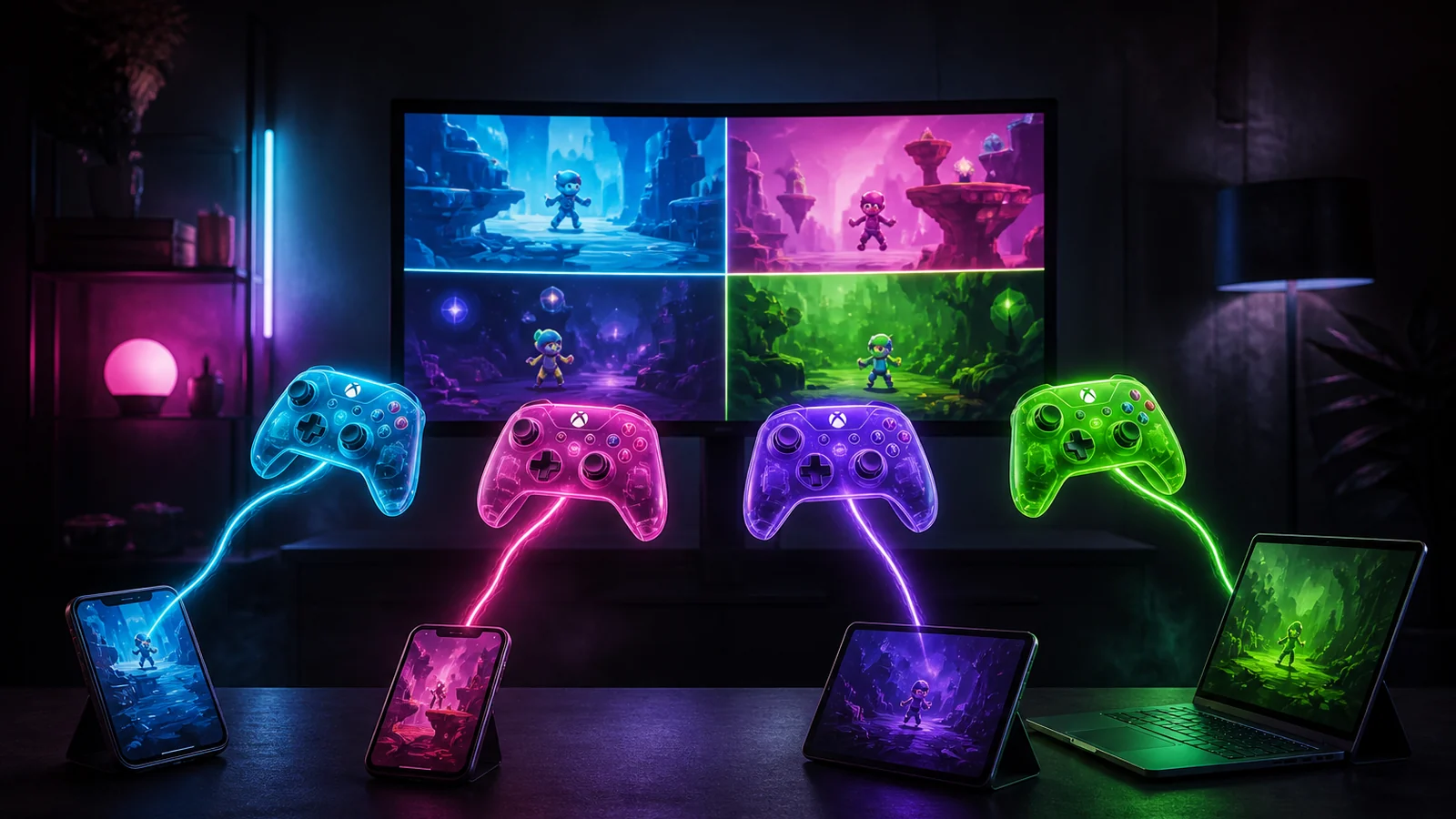
- They join from a phone, a Mac, a PC, a tablet. Browser, nickname, no StreamChum account.
- On-screen touch controls, or a controller they already have. The game sees virtual Xbox-style pads.
- You seat P1 through P4 with one click. Up to eight people can sit in the lobby.
They play. They don't get your PC.
Guest input is a virtual controller. That is the whole surface. They cannot move your mouse, open files, or hit Windows shortcuts. If someone in chat would rather watch, they stay in the waiting room until you seat them.
You pick who gets a pad
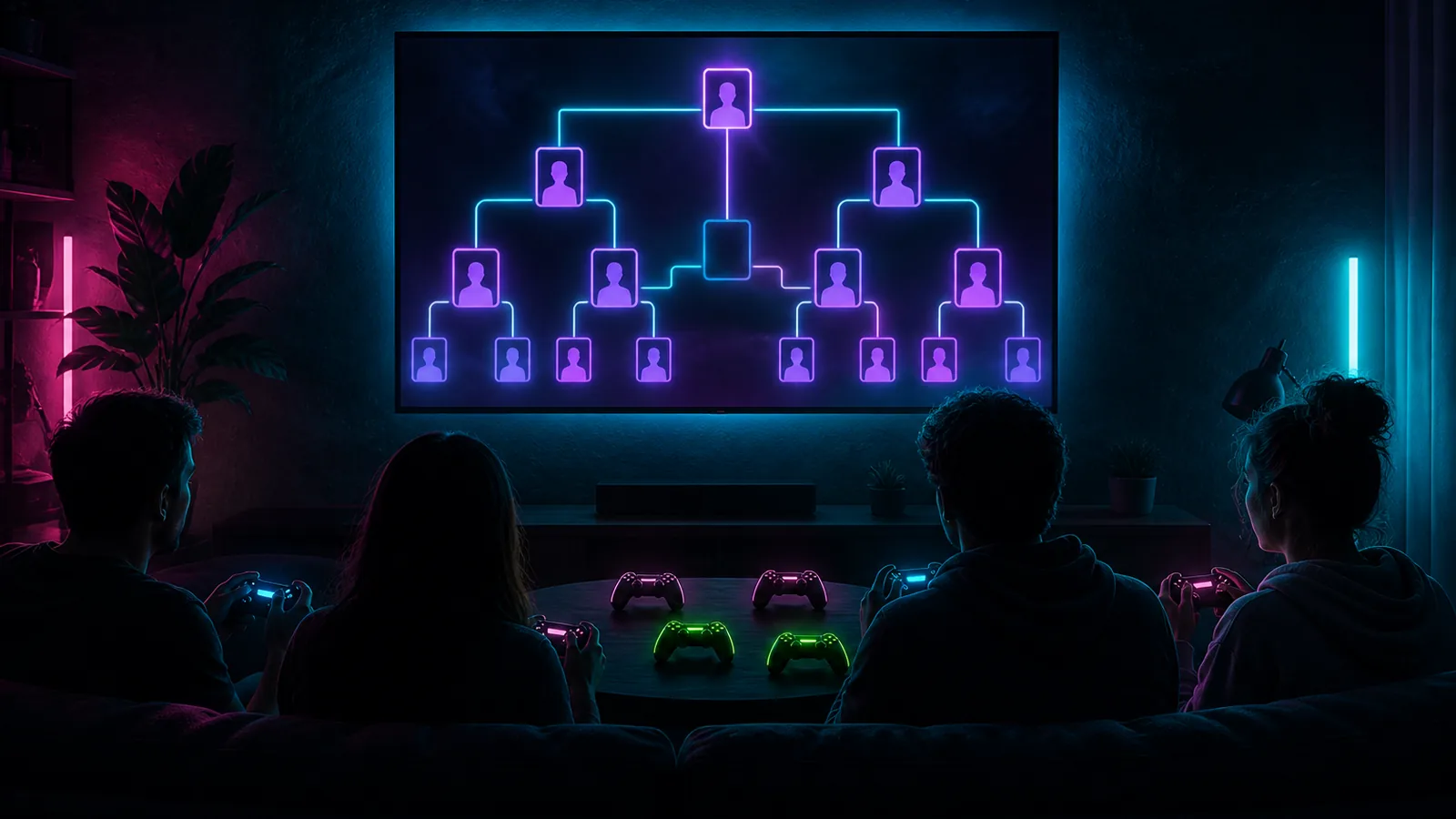
The roster lives in Play Host and on the Play page. Waiting room on one side, four seats on the other. Seat someone for a round, send them back when it's over. Fighting games, party games, co-op: you decide who is P1. The join link does not change between challengers.
Same product as go-live and chat
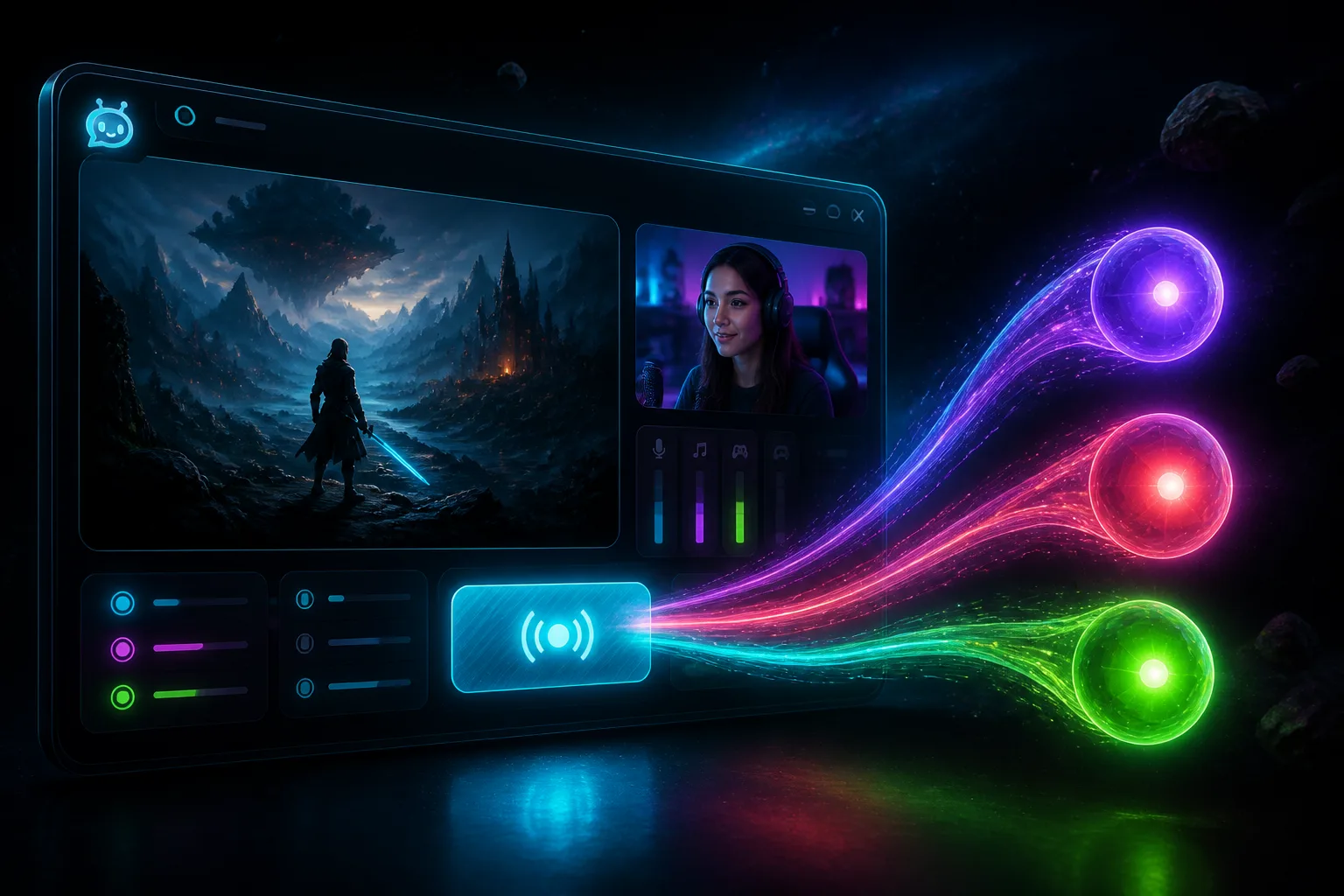
You don't start a second account. Sign in with the one you already have. Studio is still go-live to Twitch, YouTube, and Kick. Live Center is still the three chats and platform-scoped timeouts. Play is the room where those chatters get a pad. Copy the invite, paste it as the connected channel, seat whoever answers.
Host on Windows
Grab the Play Host zip from Downloads, unzip, run StreamChum.PlayHost.exe, and sign in from the app. If the virtual pad driver is missing, Play Host can install ViGEmBus (Windows will ask for administrator permission). Clicks live in the Play guide.
- Windows 10 or 11, a GPU (NVIDIA or AMD for hardware encode), and roughly 10 Mbps upload.
- The host captures the display and sends video over WebRTC. Sticks and buttons come back as virtual pads only.
- Typical latency on broadband is in the tens of milliseconds. Fighting games and platformers are in scope.
- The zip self-updates. You do not hunt a new build each week.
Guests get a pad, not remote desktop. If you would not hand someone a controller on your couch, don't seat them.
Get the host from Downloads. More about the product is on the Play page. Setup steps are in the Play guide.