Ask for a pixel character that actually walks
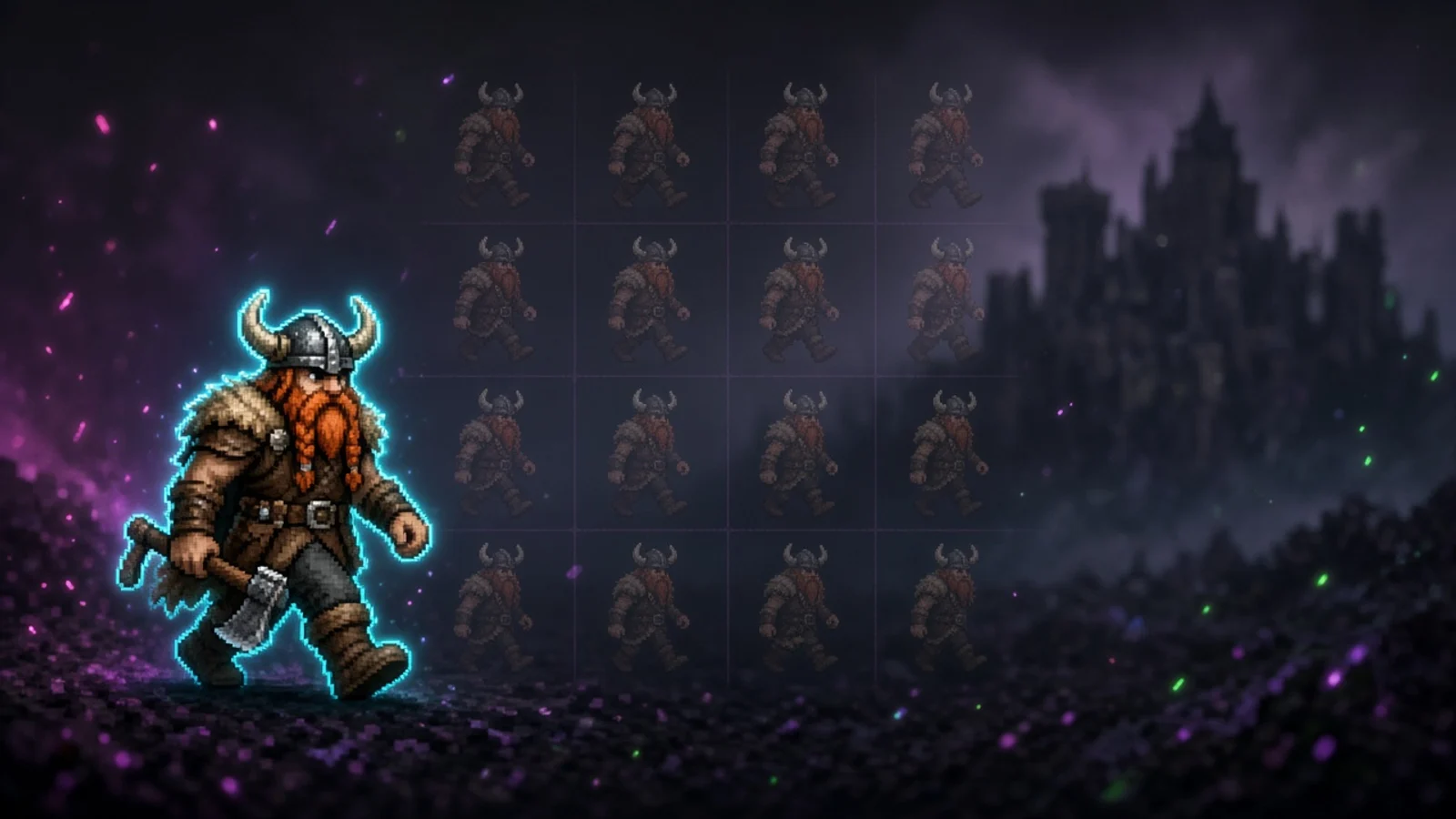
Element Builder can make a 2D mascot that walks, waves, or shoots. You get named sprite sheets, and the overlay plays those frames instead of sliding a still PNG.
Takeaway
You can describe a 2D pixel character in Element Builder and get a mascot that actually walks, waves, or shoots. It generates named sprite sheets, and the overlay plays those frames. A lot of overlay 'characters' are one drawing with CSS moving the box. This is the other thing.
A walk is frames, not a sticker
Element Builder generates a sheet of poses for that action, then the overlay plays the sheet the way a game would. The feet cycle. The pose changes. If you drop a fox PNG on the scene and ease it from the left, it never does.
Wave
Walk
Walk
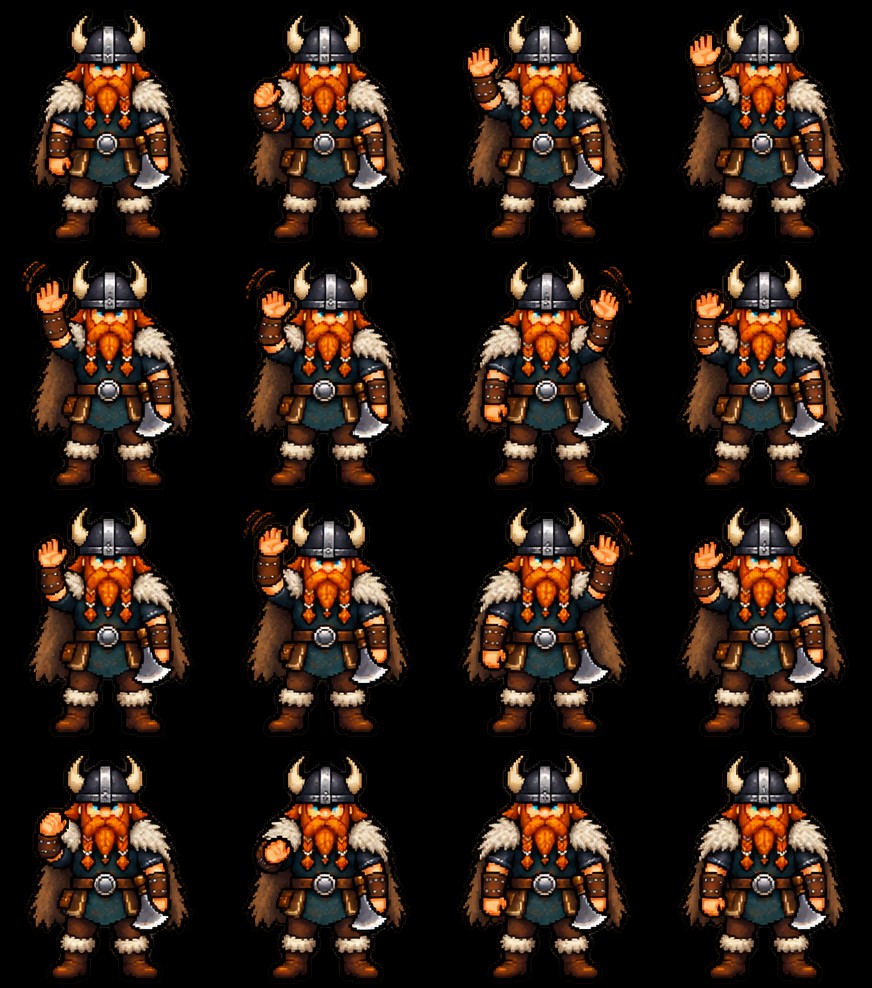
Those are the clips. One sheet, one action, one facing. The viking is a wave. The other two are walks.
What you actually type
Same Element Builder you already use for alerts and countdowns. Ask for a 2D pixel character that walks on, waves at a follow, or shoots when a raid lands. If you already described the look, attached a picture, or the pack has a Character file, you do not have to re-explain the outfit.
- Walk onto Playing, then stand in a corner the game is not using.
- Wave when someone follows, or when a first-time chatter shows up.
- Shoot on a raid, bits, or a hyped clip, then stand in the same spot.
A sentence is enough to start: pixel fox in a teal hoodie that walks on from the left, then waves at follows, same look as my alerts. Or chibi knight, walk cycle on the BRB, face right. Then tweak, then put the URL on the scene.
Named clips, not one giant atlas
Walk is its own sheet. Wave is its own sheet. Shoot is its own sheet. That is how the overlay knows which clip to play. You do not get one messy grid of every pose mixed together. When a follow lands, the overlay can switch from the walk clip to the wave without a second browser source.
Walk
Sit
It can match the pack
If the active Studio profile has a themed collection, a new overlay joins that pack so the builder matches the look. A Character file on the pack can style new sprites instead of stamping the same PNG onto every scene. Look files stay mood and palette. They are not pasted into the overlay. More on packs is on Elements.
This is not a VTuber
A VTuber is you, with face tracking, usually from an avatar app you capture into Studio. This is a 2D mascot on the overlay. No webcam tracking. No Live2D rig. You can run both: avatar as the cam, pixel character as the bit that walks on for a raid. The VTuber path is in how to run a VTuber in Studio.
Describe it, drop it on the scene
Build it in the web editor or from Studio, same as any other custom widget. Preview the walk. Send a test alert if the wave is tied to a follow. Then put the URL on a Studio scene (or OBS as a browser source). Clicks live in the overlays guide.
Element Builder turns spend creative AI credits on Plus or Pro. Sprite sheets are images nested in that turn, so they sit in the same credit wallet. Free includes Studio on one platform, with credits at 0 until you subscribe.
Build it in Elements. More on vibe-coding a widget is on Overlays. Setup is in the overlays guide.
Keep reading