Run the stream from your Android phone
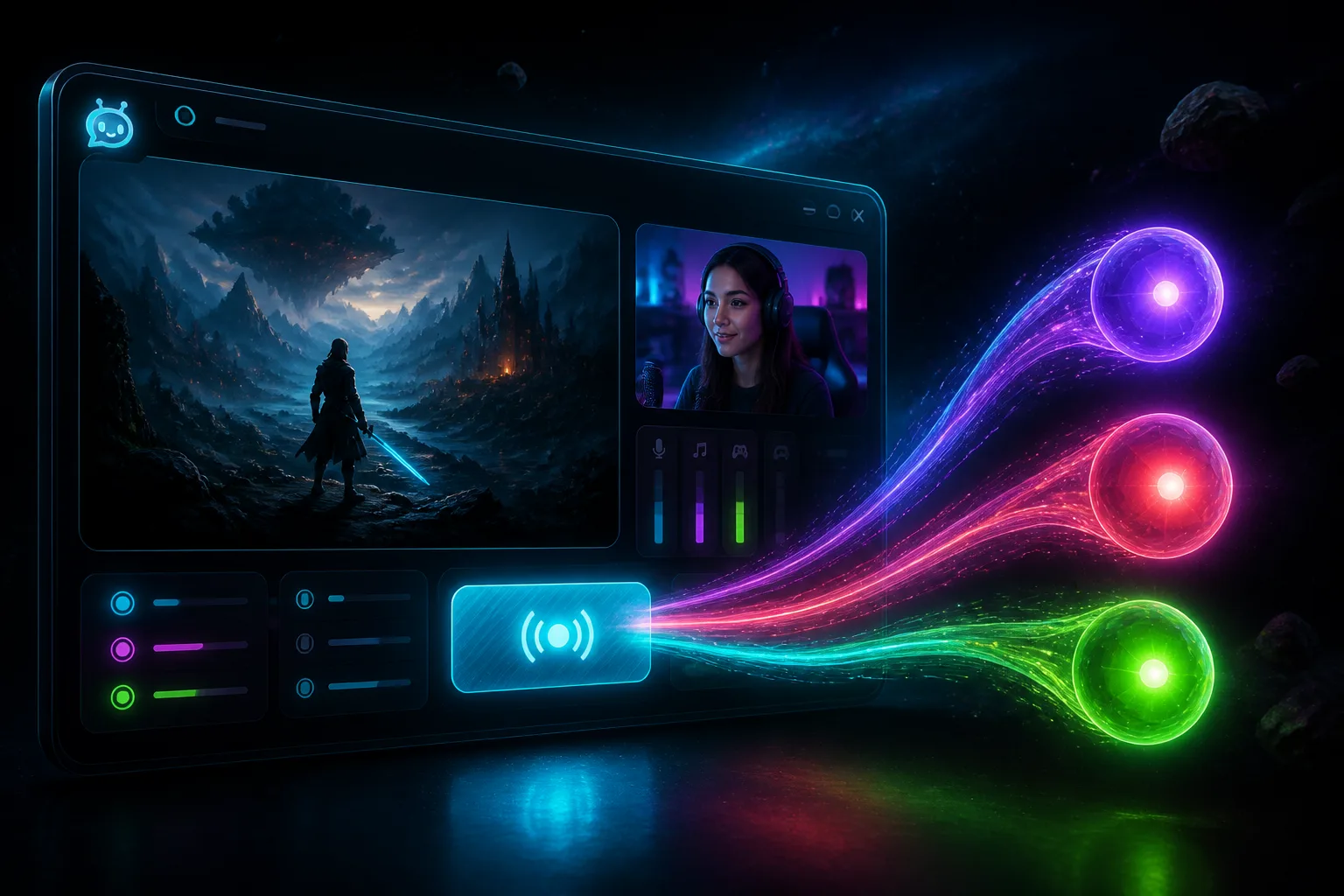
Chat, Actions, the Studio scene, a phone camera into Studio, or go live from the phone to one channel. Sign up for the Android beta in StreamChum.
Takeaway
The StreamChum phone app is on Android. Same account you already use. You can read chat, tap Actions, move the Studio scene, send the phone camera into Studio, or go live from the phone camera to one channel. Studio on the computer is still the app that sends one encode to every destination.
Chat without opening the laptop
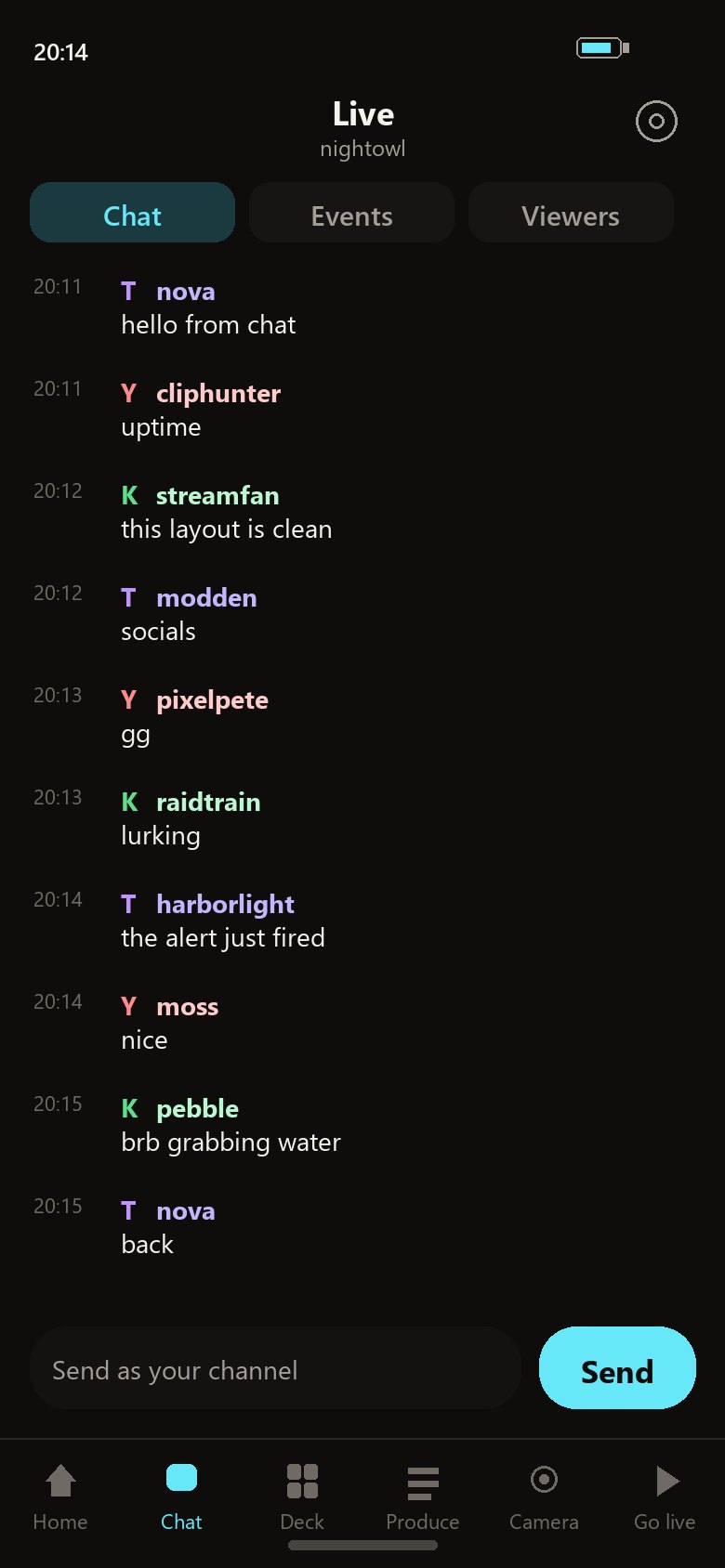
Live is the channels you already connected. Send a message as the channel. If you moderate, timeout, ban, and delete are on that screen too. Events and viewers sit next to chat, so a raid does not mean walking back to the desk just to see who it was.
A deck of the Actions you already built
Deck is for Actions that do not wait on someone typing a command. Turn one on and it shows up as a tile. Add or manage picks which of those keys live on the phone. A transition, a sound, a scene change: whatever you already made in Actions.
The Studio scene, from the couch
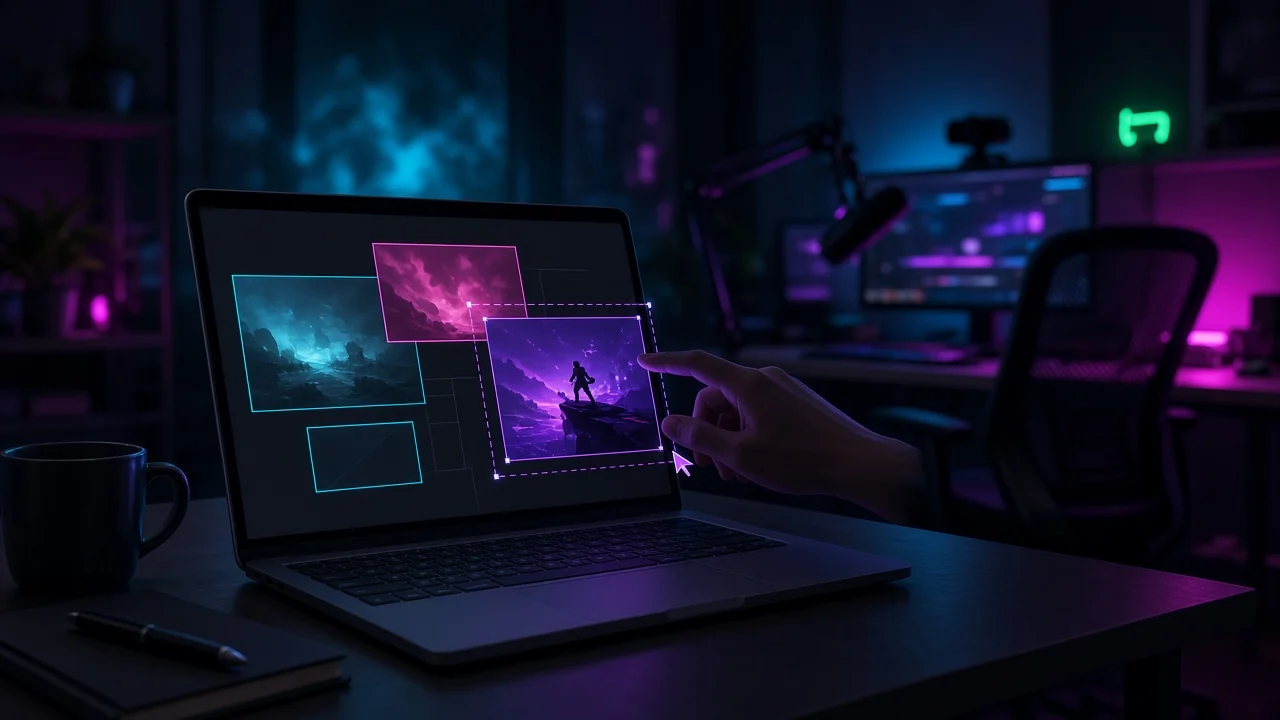
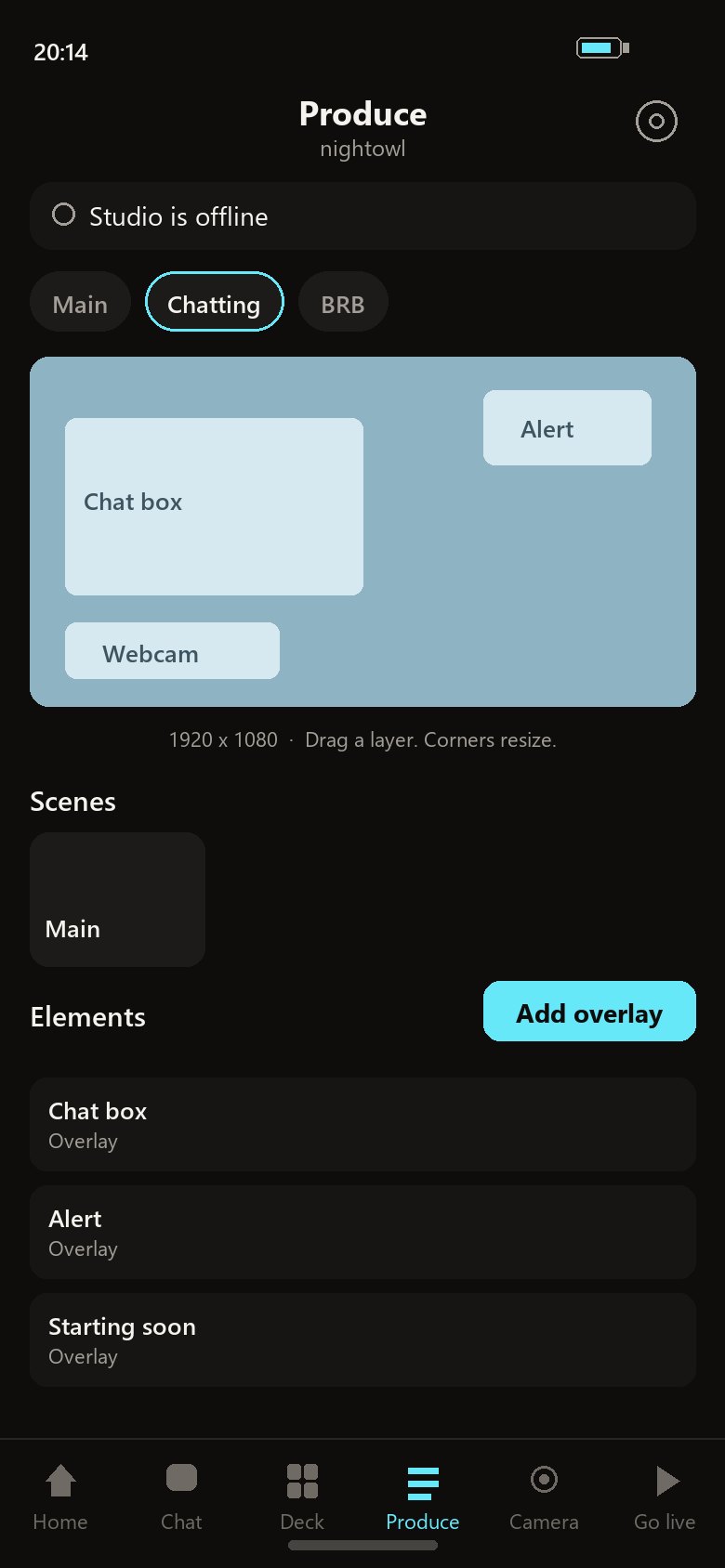
Produce is the Studio desk on the phone. Drag a layer, switch the scene, show or hide an element, and ride mute and volume. Studio on the computer still captures, encodes, and sends that picture to every destination you turned on. Admins can start or stop that Studio broadcast from the phone.
The phone as a camera
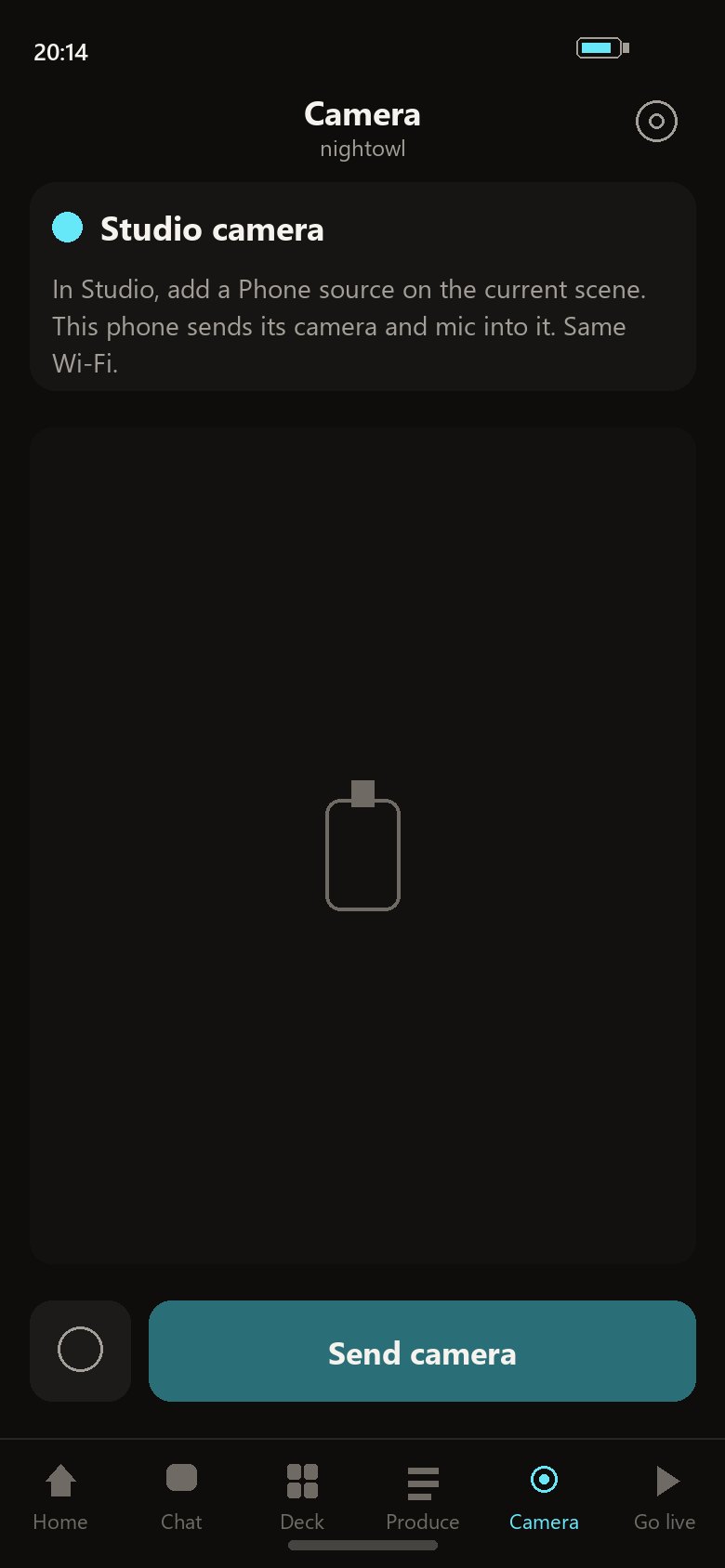
Put a Phone source on the current Studio scene, stay on the same Wi-Fi, and tap Send camera. The mic comes with it. Walk around the room. Studio composites that feed and owns go-live. Take the source off the scene and the camera stops. That shot stays a Studio source.
Or go live from the phone camera
Admins can also go live from the phone camera itself, to one Twitch, YouTube, or Kick channel. Set the title and category, then send. One destination. When you want all of them at once, that is still Studio.
Home is the landing, not chat
Open the app and you land on Home. Community, messages, hours, followers, which day landed, which game did the work. Open StreamChum jumps back to the control panel. The tabs under that are the ones your role can actually use.
Get it on Android
Sign up for the Android beta from Betas in StreamChum. That page is where the install link starts.
Keep reading