Studio is on Mac now
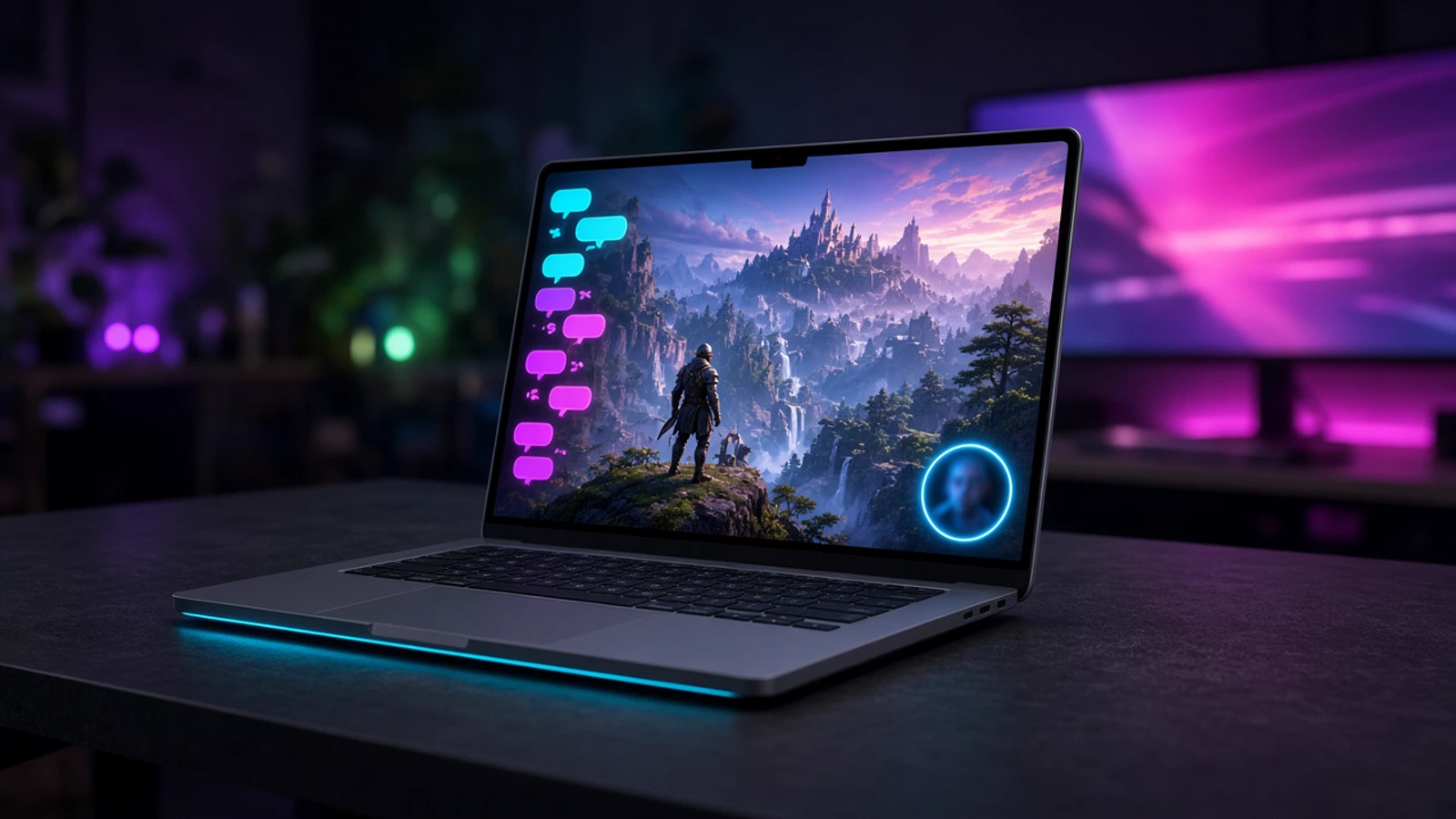
StreamChum Studio is out for Apple Silicon. Same app as Windows: sign in, build a scene, go live.
Takeaway
StreamChum Studio is out for Mac. It is the same go-live app as Windows, built for Apple Silicon. Sign in, put a scene together, hit Go live. You need macOS 13.3 or later. Intel Macs are not supported.
One encode, three platforms
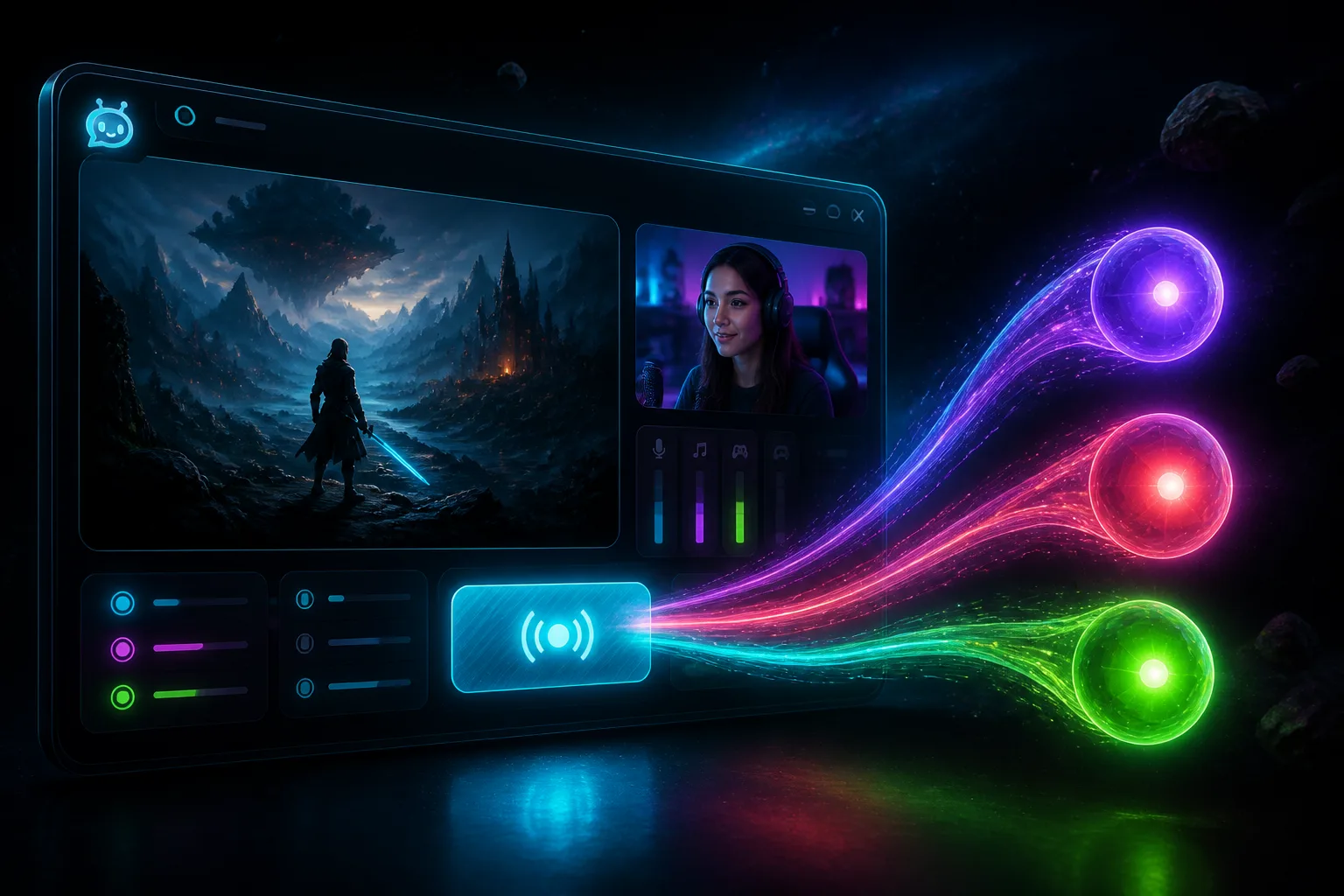
Studio encodes once and sends that picture to every destination you turned on. Title, tags, and category are the same pre-stream steps as Live Center. You are not hopping between Twitch, YouTube, and Kick to press Start. The encoder is picked for you (VideoToolbox H.264). You pick a canvas preset: size, fps, bitrate. The program preview stays on the GPU, so 1080p60 uses less CPU.
Say the scene. Then go live.
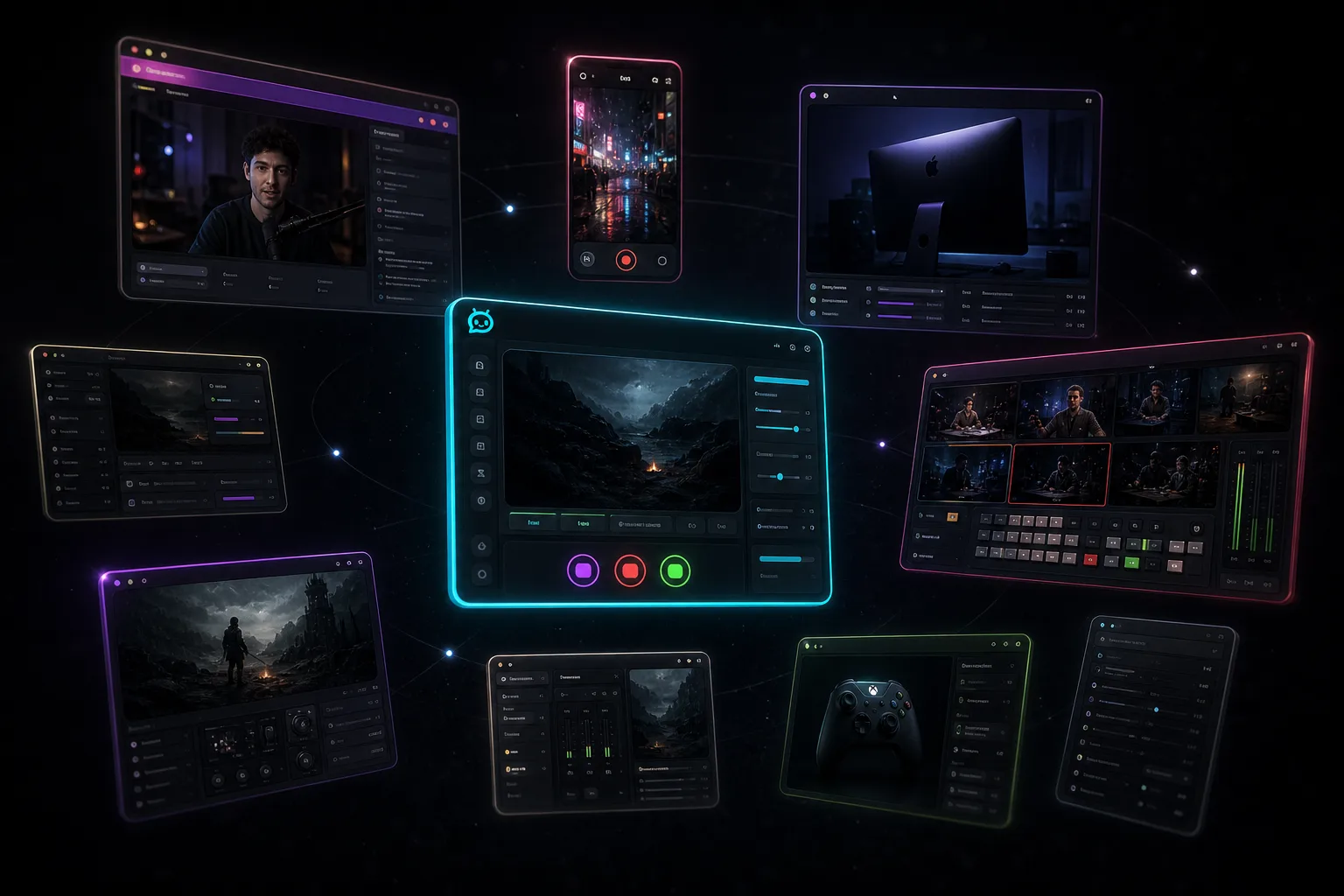
You do not have to build the layout by hand. Tell Studio what goes where. It places the game, the camera, and the overlays. Grab a free pack if you want something on stream tonight, or describe chat, alerts, and a starting-soon screen in Elements so they match. A specific ask works better than 'make me a cool overlay': purple full-screen sub alert, my logo in the corner, chat on the left, webcam top-right.
A profile can lock a look, so ranked and Just Chatting do not share leftover widgets. The scene AI post is the longer version. Setup for the app is in the Studio guide.
Apple Silicon, macOS 13.3+. Intel Macs are not supported. Free includes Studio on one platform. Creative AI credits for describing a new widget start at 0 until Plus or Pro.
Get it from Downloads. More about the app is on the Studio page. Setup is in the Studio guide.