Five things I wish I'd known when I first started streaming
A schedule beats a perfect overlay. Audio beats a webcam. One chat feed, one look, and clips you can send. The five I would tell myself when I started.
Takeaway
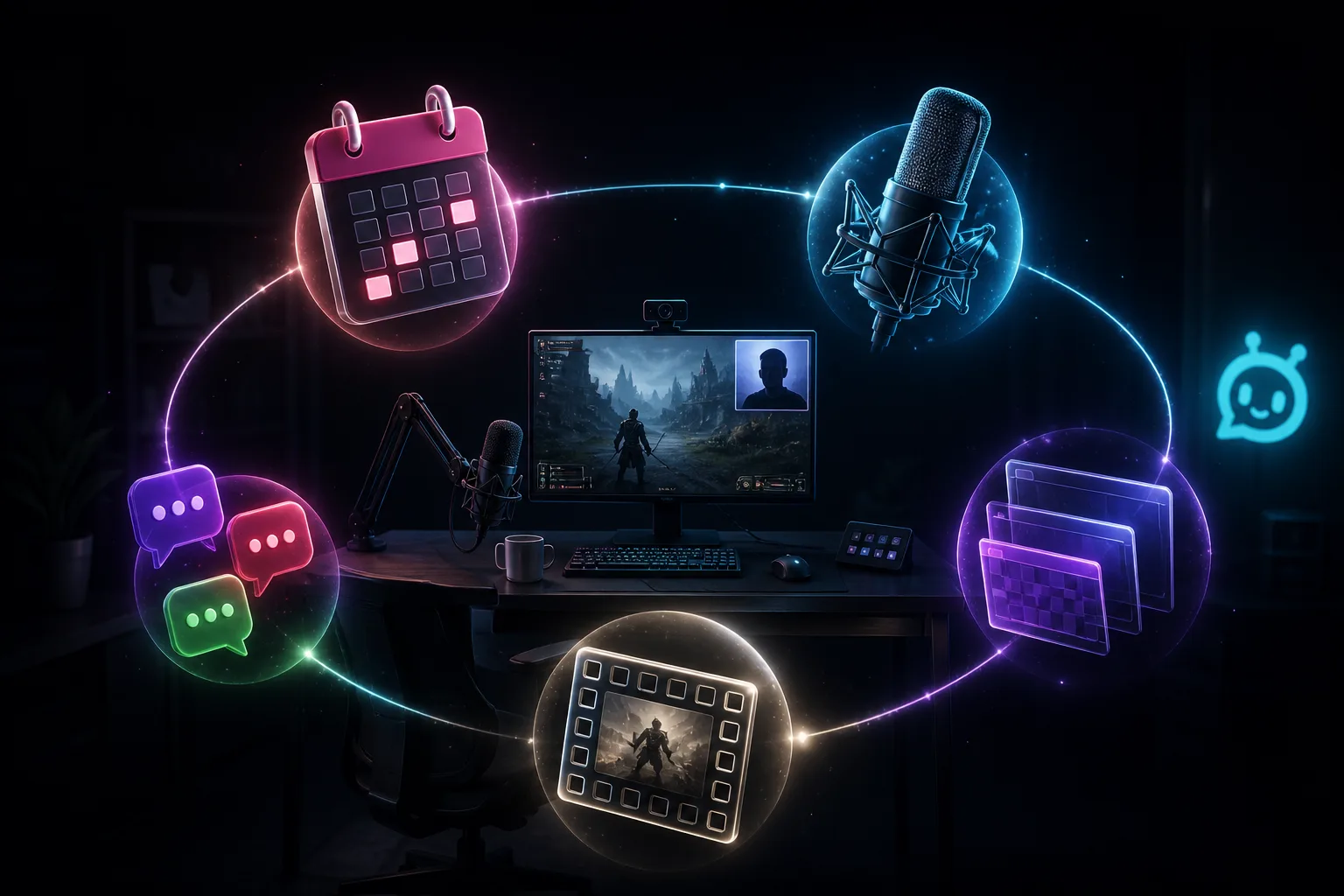
If I were starting again tomorrow, I would pick the days first, fix the mic before the camera, put Twitch, YouTube, and Kick chat in one place, use one matching overlay set, and save clips like they mattered. Affiliate can wait. The overlay can wait. The five below are the whole list.
1. The overlay can wait. The days cannot.
Nobody remembers that you almost had a nicer webcam frame. They remember Tuesday at 8. Write the days on the starting-soon graphic and keep them. Starting soon for forty minutes of scene tweaks trains people that 8pm means 8:40. Go live from Studio to Twitch, YouTube, and Kick together so you are not building three calendars. Setup is in the Studio guide.
2. Audio is the part that matters. The webcam is optional.
People will watch a black square if they can hear you. They will not stay for a crystal facecam and a headset that sounds like a tin. Close the door. Turn down the mechanical keyboard in the mic. A cheap USB mic in a quiet room beats a fancy camera over game blast. Record five minutes and play it back on your phone in the kitchen. If you cannot understand a sentence, fix that before you buy a light.
3. If you only watch Twitch, you are ignoring people.
YouTube and Kick will type. If those tabs are behind the game, those people leave. Live Center is one feed. A timeout still only hits the platform it came from. Invite a mod when you cannot watch all three. Someone asking what mouse you use is a missed sentence, not a growth hack you failed.
4. One matching set. Not a junk drawer.
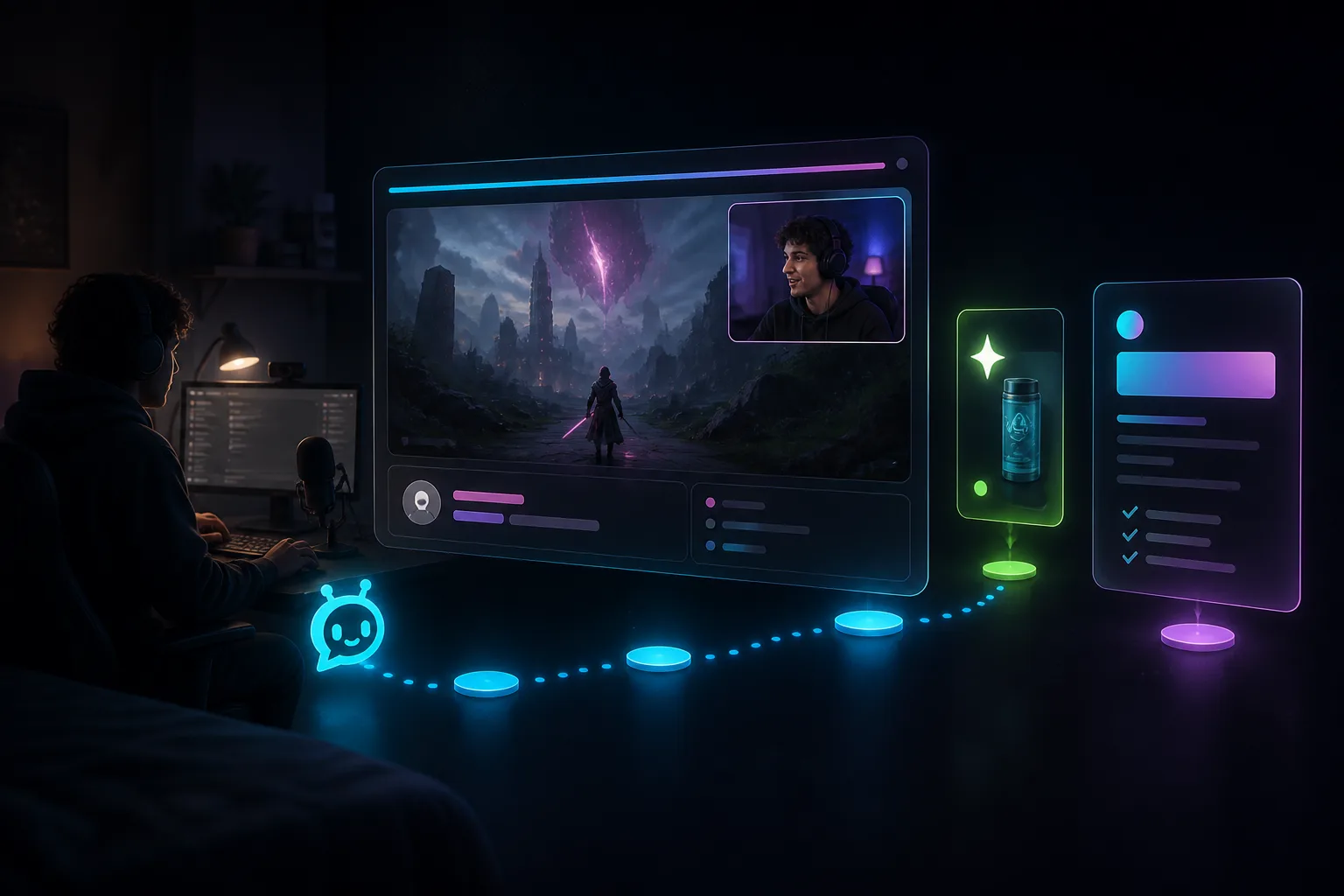
A default alert from 2019 plus a chat box from another pack plus a goal bar that does not match does not look unique. It looks unfinished. Grab a free pack, or describe chat, alerts, and the cam frame once in Elements so they share a look. Studio AI can place them. You can restyle later. Game full frame, cam bottom-right, chat left, one alert that matches the pack.
5. Save the clip. Future-you has to prove it.
The day you want a raid partner, a code, or a small sponsor, they will ask for a VOD. "It was good, trust me" is not a link. Clip three moments a week. Keep one full VOD. A timestamp and a usable archive beat a screenshot of the dashboard. The longer path from first stream to a first deal is in that guide.
What I would not stress when I started
- Affiliate. It is a platform cut, not a brand deal.
- A second monitor full of docks. You can add that when chat is actually busy.
- Buying a capture card before you have a schedule. Console later. Days first.
- Sounding like an ad. Talk like a person. The rest is in the docs.
Studio runs on Windows and Apple Silicon. Overlays work as browser sources in Studio and in OBS. Free includes Studio on one platform. Creative AI credits for describing a new widget start at 0 until Plus or Pro. Free packs do not wait on that wallet.
Get Studio from Downloads. Chat is Live Center. Overlays start with a free pack.
Keep reading