Play Tournaments is in beta
Create a knockout on your PC, share one link, and let chat register with Twitch. Same Play Host as Instant Play. Included with Play, in beta.
Takeaway
Play Tournaments is in beta. You create a knockout on the Play page, share one public link, and viewers register with Twitch. They play the game running on your Windows PC from a browser: no game install on their side, and no StreamChum account. Instant Play is still there for casual rooms. This is the same Play Host, with a bracket on top.
A bracket, not a waiting room you reshuffle by hand
Play Tournaments is for when a waiting room is not enough. You want a field, a tree, and a champion at the end, not four pads you seat from memory.
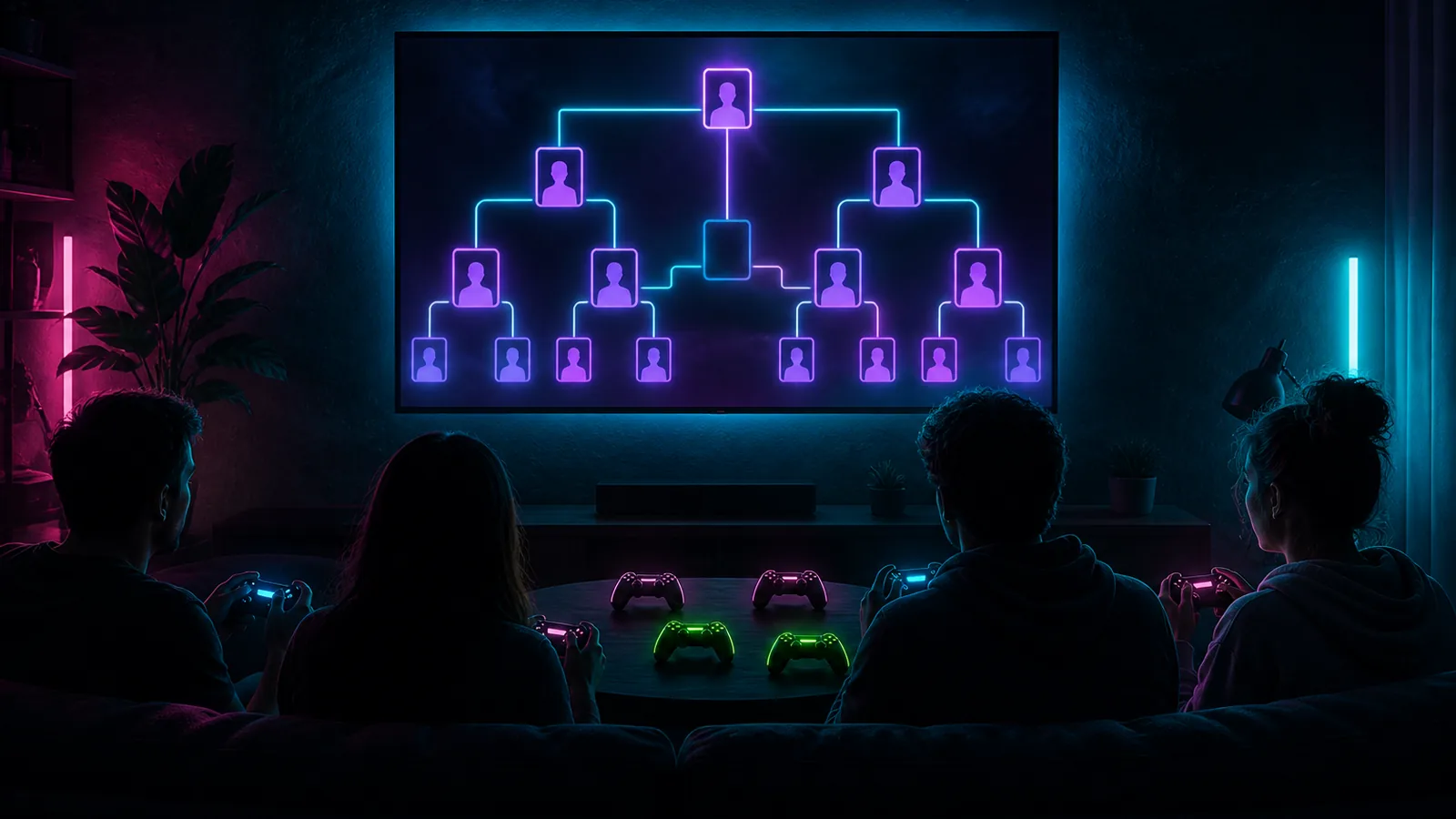
- Knockouts: 1v1 through 4v4, or a custom side size. Single elimination. Empty slots become byes.
- You set player slots from 2 to 128. Registration closes when the field is full, or when you start.
- Play still seats at most four pads per match. Bigger sides are for the bracket. Seating still fits P1 through P4.
- Players connect Twitch for a name and avatar only. That is not a StreamChum signup.
Instant Play is still the casual room
Nickname join, a waiting room, and one-click seating stay on Instant Play. Use that when you just want four people in Overcooked. Use a tournament when you want Twitch identities, a public bracket, and a recap when it is over. Both live on the Play page after Play Host is paired. Without a tournament, the order lives in your head or in a sheet chat cannot see. With one, people register on the event page and watch the tree.
One URL for players, chat, and you
Create it on the Play page. Run it from the public page at /play/t/…. Cover, countdown, who registered, who is playing, and the knockout tree. Workspace owners, admins, and mods signed into StreamChum get host tools on that same page: edit while it is upcoming, auto-pair or assign teams, start, seat, pick winners, cancel.
- Upcoming: players enter with Twitch, or withdraw.
- Live: when you seat a match, those players are taken into Play. If someone is away, a Join button and a forfeit countdown show up.
- Everyone else stays on the page until it is their turn. The winner gets a full-screen announcement, then the finished event.
- Complete and cancelled knockouts sit under Past. View still opens the page as a static recap. Delete there if you do not need it.
Games you search, or Inspiration picks
Search for a game, or tap Looking for inspiration and pick by player count, genre, and year: Random Pick, Most Popular, or Most Recent. That catalog is PC local play, kept current daily from IGDB, the same list Instant Play shows before the host is paired.
Cover art for the event page
Pick an image from Media, or generate one from the event name and description. Generated covers use the same creative AI credit wallet as Element Builder. Name the tournament first. The cover shows on the public page and on the Play cards. You can still edit name, description, games, and cover while the event is upcoming.
Same Play Host. Bracket on top.
Grab the Play Host zip from Downloads, pair it, optional ViGEmBus from the app. You can create and list tournaments even when a session is not live. Start Play before you start the event or seat a match, so the current match can actually take pads. Guests still get a virtual pad, not desktop access. Clicks live in the Play guide.
- Windows 10 or 11, a GPU, and roughly 10 Mbps upload.
- They never install a client. On-screen controls, or a controller they already have.
- Typical latency on broadband is in the tens of milliseconds. Fighting games and party games are in scope.
This is a beta. Single elimination, four pads per match, Twitch for player identity. Double elim, prizes, and a StreamChum player account are not in this version. If something feels off, tell us.
The pitch is on the Play Tournaments page. Casual rooms are on Play. Get the host from Downloads. Setup is in the Play guide.