From first stream to first sponsorship
A practical path from a brand-new streamer to a first small brand deal: a schedule, a stream that looks finished, people who come back, and a one-pager with real numbers.
Takeaway
A first sponsorship is not a follower count. It is a stream that happens on the same days, looks finished, has people who come back, and a one-page proof you can send. Most first deals are small: a code, a product you already use, a niche tool. Twitch Affiliate is not a brand deal.
Affiliate is not a sponsor
Twitch Affiliate (or YouTube's paid memberships) means the platform pays you a cut. A sponsorship means a company pays you, or sends product, to talk about them on stream. Brands do not care that you just unlocked Affiliate. They care that you can show the stream happening, who watches, and that you will actually say the line. Do not lead with "I just got Affiliate."
What a first deal actually is
First deals for small streamers are almost never a car or a soda. They are a code, a gifted product, or a small fee for a mention. Niche is easier than big. Someone with 40 people who talk every Tuesday is a better fit for a mousepad than a variety stream with 200 lurkers and no clips.
- Product you already use: headset, chair, energy drink, a game you play on stream.
- Affiliate or creator code: they track clicks. You do not need a huge CCV for that.
- A tool in your stack: capture card, overlay pack, a coaching site in your category.
- Local or small: a shop, a tournament, a Discord community that already watches.
Make the stream happen
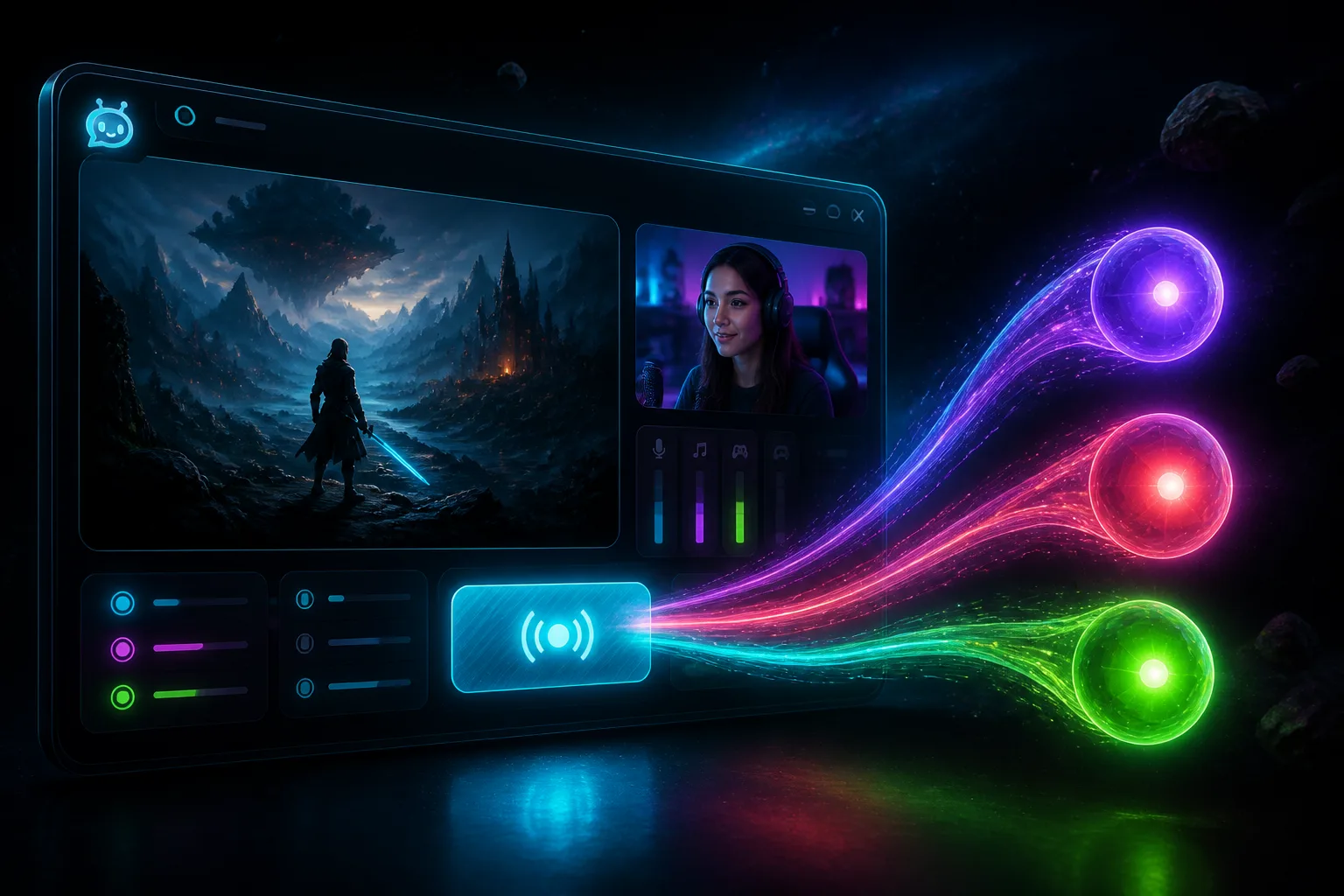
Brands buy a slot on a schedule. If you go live when you feel like it, there is no slot. Pick two or three days. Keep them. Multistream so you are not building three separate audiences by accident. StreamChum Studio is the go-live app for Twitch, YouTube, and Kick in one click. Chat still lives in Live Center. Setup is in the Studio guide.
- Write the days on a graphic. Starting-soon with "Tue / Thu 8pm UK" is a promise people can remember.
- Go live even if chat is quiet. The VOD is proof later.
- Still in OBS? Fine. The OBS plugin can send the same three destinations. Just keep the schedule.
Look finished enough
You do not need a TV set. You need a picture that does not look like a desktop recording: game, camera, chat, one alert. Grab a free pack tonight, or describe the layout in Elements and let Studio AI place it. A matching collection beats a pile of unrelated widgets. Game full frame, cam bottom-right, chat left, one sub alert that matches the pack.
Keep the same people
Sponsors ask who watches. The honest answer is regulars, not a spike from a raid. Answer chat. Remember names. Community memory in StreamChum builds viewer profiles from chat over time, and Live Center can brief you on whoever is talking. Use that to be a better host. Do not export people's private chat history to a brand.
- Say hi when a regular shows up, on whichever platform they typed from.
- A timeout still has to hit the right platform. Live Center does that. Three native dashboards do not.
- Invite a mod when you cannot watch Kick and Twitch at once.
A one-pager from real numbers
One page. PDF or a Notion link. Pull averages from Twitch, YouTube, and Kick analytics, not from a guess. If last month was 38 CCV on Twitch and 12 on YouTube, write 38 and 12. Brands check VODs.
- Who you are, what you play, when you go live, timezone.
- Last 30 days: average viewers per platform. Followers if you want. Do not invent a combined number that hides YouTube was empty.
- Three clips with timestamps. One recent VOD link.
- What you are offering: 30-second mention, overlay for two weeks, a dedicated starting-soon screen.
- What you want: product, a code, or a fee. Pick one.
Six lines is enough: name, game, days and timezone. Last 30 days per platform. One clip. Offer. Ask.
Who to ask first
Start with something on your desk. Cold emails to huge brands die. Creator programs and affiliate pages exist so you do not have to invent a rate card on day one. If you already drink the drink, wear the headset, or play the game, say that in the first sentence. Email the small company whose pad is already in frame, not Logitech's main press box.
- The product in the webcam: pad, mic, chair, glasses.
- The game's creator program, if it has one.
- A tool you already recommend unprompted.
- Skip: random "esports orgs" in your DMs asking for a fee to "manage" you.
The email
Short. Specific. No "I'd love to collab." Subject line is the pitch. Body is five sentences. Attach a clip. If they say no, or nothing, wait a month, stream, ask someone else.
If they pay you or gift product, say so on stream. Platforms have disclosure rules. "Thanks to X for sending this pad" is enough for a first deal. Do not hide it.
Run the sponsored stream
Put the logo where it does not cover the minimap. Say the line like a person, not a radio ad. Keep answering chat. If you use StreamChum, drop the logo into the Elements collection so it matches chat and alerts, then go live from Studio as usual.
- Mention it once early, once when it is natural, once near the end. Not every death.
- Have the URL or code on a panel and on an overlay. People will ask in chat ten minutes later.
- Save the VOD. Send the brand the timestamp. That is how a second deal happens.
Skip "USE CODE SAM20 AT CHECKOUT FOR 20 PERCENT OFF EVERYTHING, LINK IN CHAT." Better: this is the pad I already use. They sent a spare. Code is on the panel if you want one. Anyway, we're retaking B.
What to skip
- Waiting for 1,000 followers before you ask anyone. First deals are small and niche.
- Buying bots or fake CCV. They will open the VOD.
- Signing a 12-month exclusive with a company you have not used.
- Letting an "agent" in Discord take 30% to send the same email you can send.
- Pitching a brand whose product you roast on stream. They watch too.
Get Studio from Downloads. Overlays start with a free pack or Elements. Chat is Live Center.
Keep reading